
MCP Server
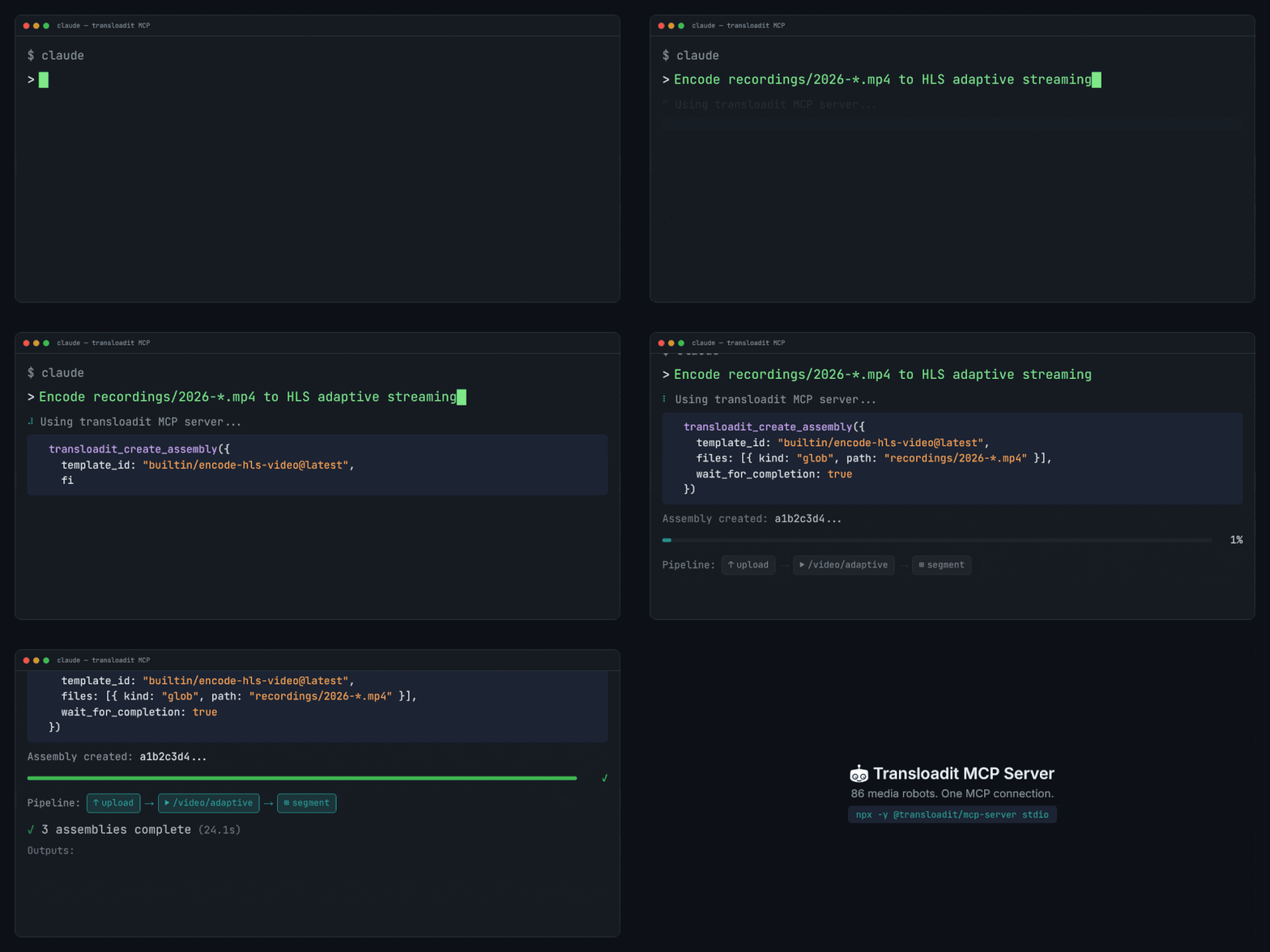
The Transloadit MCP Server lets agent clients call Transloadit tools directly: create and monitor Assemblies, lint Assembly Instructions, and discover Robots and Templates.
For a quick overview of what agents can do with Transloadit, see Transloadit over MCP.
Choose a deployment mode
- Self-hosted (recommended): easiest happy path for most teams. Your MCP process has access to
TRANSLOADIT_KEYandTRANSLOADIT_SECRET, so it can handle auth for API calls automatically. - Hosted endpoint: use
https://api2.transloadit.com/mcpwhen you cannot runnpxwhere your agent runs.
Quick start (self-hosted)
Stdio (recommended)
TRANSLOADIT_KEY=MY_AUTH_KEY TRANSLOADIT_SECRET=MY_SECRET_KEY npx -y @transloadit/mcp-server stdio
HTTP
TRANSLOADIT_KEY=MY_AUTH_KEY TRANSLOADIT_SECRET=MY_SECRET_KEY \
npx -y @transloadit/mcp-server http --host 127.0.0.1 --port 5723
Docker
docker run -i --rm \
  -e TRANSLOADIT_KEY=MY_AUTH_KEY \
  -e TRANSLOADIT_SECRET=MY_SECRET_KEY \
  ghcr.io/transloadit/mcp-server:latest
http mode defaults to path /mcp.
If you bind HTTP mode to a non-localhost host, set TRANSLOADIT_MCP_TOKEN to require Bearer auth
for MCP requests.
TRANSLOADIT_MCP_TOKEN explained
TRANSLOADIT_MCP_TOKEN is a self-hosted MCP transport token. It protects your own HTTP MCP endpoint
(npx -y @transloadit/mcp-server http), not API2.
- Set it yourself to any high-entropy secret.
- Send it from your MCP client as
Authorization: Bearer <TRANSLOADIT_MCP_TOKEN>. - It is not minted via
/token. - It is separate from API2 Bearer tokens used for
https://api2.transloadit.com/mcp.
Generate one, then start HTTP mode:
export TRANSLOADIT_MCP_TOKEN="$(openssl rand -hex 32)"
npx -y @transloadit/mcp-server http --host 0.0.0.0 --port 5723
Hosted endpoint
If you cannot self-host, point your agent client at:
https://api2.transloadit.com/mcp
Robot discovery, Robot help, and Assembly Instructions linting work without credentials. Account
actions, including listing Templates and creating or monitoring Assemblies, require authentication.
For those actions, use Authorization: Bearer <token> and mint the token via:
npx -y @transloadit/node auth token --aud mcp
Generate this token in a trusted environment (backend, CI, or local shell), then hand it to the agent runtime. You can mint it via:
- CLI:
npx -y @transloadit/node auth token --aud mcp - API:
POST /token - Node.js SDK: instantiate
TransloaditwithauthKey+authSecret, then callclient.mintBearerToken({ aud: 'mcp' })
Using the token
Pass the token as Authorization: Bearer <access_token> on API requests. When a request is
authenticated with a valid Bearer token, API2 treats
Signature Authentication as satisfied and
skips signature validation. Signature Authentication is enforced only for key/secret requests.
Scope checks still apply. The default api2 audience is accepted by regular API2 endpoints and is
valid for 21,600 seconds by default. The mcp audience is accepted by the MCP server, which relays it
to API2 with a service credential; it is rejected by regular API2 endpoints when presented directly, and valid for
604,800 seconds by default. Treat the response’s expires_in value as authoritative.
Client configuration examples
Keep bearer tokens out of version control and shared configuration. Use your client's secret storage or environment-variable support instead of committing a real token.
Claude Code
Use this remote-server entry in Claude Code’s project .mcp.json. Its HTTP transport value is
http. Set TRANSLOADIT_API2_BEARER_TOKEN to your minted API2 token in the environment that launches
Claude Code; the configuration below expands that variable at runtime. See the
Claude Code MCP documentation.
{
  "mcpServers": {
    "transloadit": {
      "type": "http",
      "url": "https://api2.transloadit.com/mcp",
      "headers": {
        "Authorization": "Bearer ${TRANSLOADIT_API2_BEARER_TOKEN}"
      }
    }
  }
}
Claude Desktop
Claude Desktop uses a separate setup. Configure the self-hosted stdio server above as a local MCP
server using its claude_desktop_config.json configuration. Remote servers are managed through
Settings → Connectors;
the Claude Code JSON above is not a Claude Desktop configuration. See
Claude’s custom connector documentation
for supported remote authentication options. The hosted example here requires a client that can
send the specified Bearer header.
VS Code / Copilot
{
  "servers": {
    "transloadit": {
      "type": "http",
      "url": "https://api2.transloadit.com/mcp",
      "headers": {
        "Authorization": "Bearer YOUR_TRANSLOADIT_AUTH_TOKEN"
      }
    }
  }
}
Cursor
Use the same streamable HTTP URL and Authorization header in MCP settings.
Tool surface
The MCP Server exposes these tools:
transloadit_lint_assembly_instructionstransloadit_create_assemblytransloadit_get_assembly_statustransloadit_wait_for_assemblytransloadit_list_robotstransloadit_get_robot_helptransloadit_list_templates
transloadit_list_templates supports include_builtin (all, latest, exclusively-all,
exclusively-latest) and optional include_content.
Input files and limits
transloadit_create_assembly supports three input kinds:
path: local files readable by the MCP server processurl: remote filesbase64: inline payloads for small files
Limits and defaults:
- Hosted default request body limit: 1 MB
- Self-hosted default request body limit: 10 MB (configurable)
- Default
maxBase64Bytes: 512,000 decoded bytes
For larger files, prefer path or url inputs.
URL and template behavior
For URL inputs, the server chooses a safe path based on the target instructions/template:
- If an
/http/importStep exists, it sets/overrides that Step'surl. - If the template expects uploads (
:originalor/upload/handle), it downloads then uploads via tus. - If the template does not take file inputs, URL inputs are ignored with a warning.
- If a template forbids Step overrides and only supports
/http/import, URL inputs are rejected.
Local vs hosted file access
path inputs only work when the MCP process can read the same filesystem (local stdio/HTTP).
Hosted MCP cannot read your disk.
For remote workflows, use url, small base64, or upload out-of-band with the Transloadit CLI.
Use expected_uploads when you want an Assembly to stay open for later tus uploads.
Metrics and server card
HTTP deployments include:
- Prometheus metrics at
GET /metrics(default) - Optional metrics auth via
TRANSLOADIT_MCP_METRICS_USERandTRANSLOADIT_MCP_METRICS_PASSWORD - Public MCP server card at
/.well-known/mcp/server-card.json
You can customize metricsPath, disable metrics (metricsPath: false), and configure
CORS/host restrictions in the HTTP/Express server options.
Using MCP with /ai/chat
/ai/chat can call any MCP server reachable from your environment.
For Transloadit-hosted MCP servers, you can use:
{
  "mcp_servers": [
    {
      "type": "http",
      "url": "https://api2.transloadit.com/mcp",
      "auth": "transloadit"
    }
  ]
}
With auth: "transloadit", API2 can auto-mint and inject a scoped short-lived Bearer token for
eligible Transloadit-hosted MCP URLs. If you already provide Authorization in
mcp_servers[].headers, API2 leaves it untouched.