Transloadit MCP Server: agent-native uploads and processing

Agents are already good at working with text. File pipelines are where things tend to fall apart. What people actually want is simpler: "take this video and turn it into HLS", "make web-ready image variants", "OCR this PDF and give me structured text", "generate thumbnails", "export everything to S3".
Those are all things Transloadit is already good at. The MCP server is how you hand that toolbox to an agent, so it can run real media workflows from natural language.
Today, we're shipping the Transloadit MCP Server, an MCP integration that lets agents upload files, create Assemblies, discover Templates, and fetch results from Transloadit.
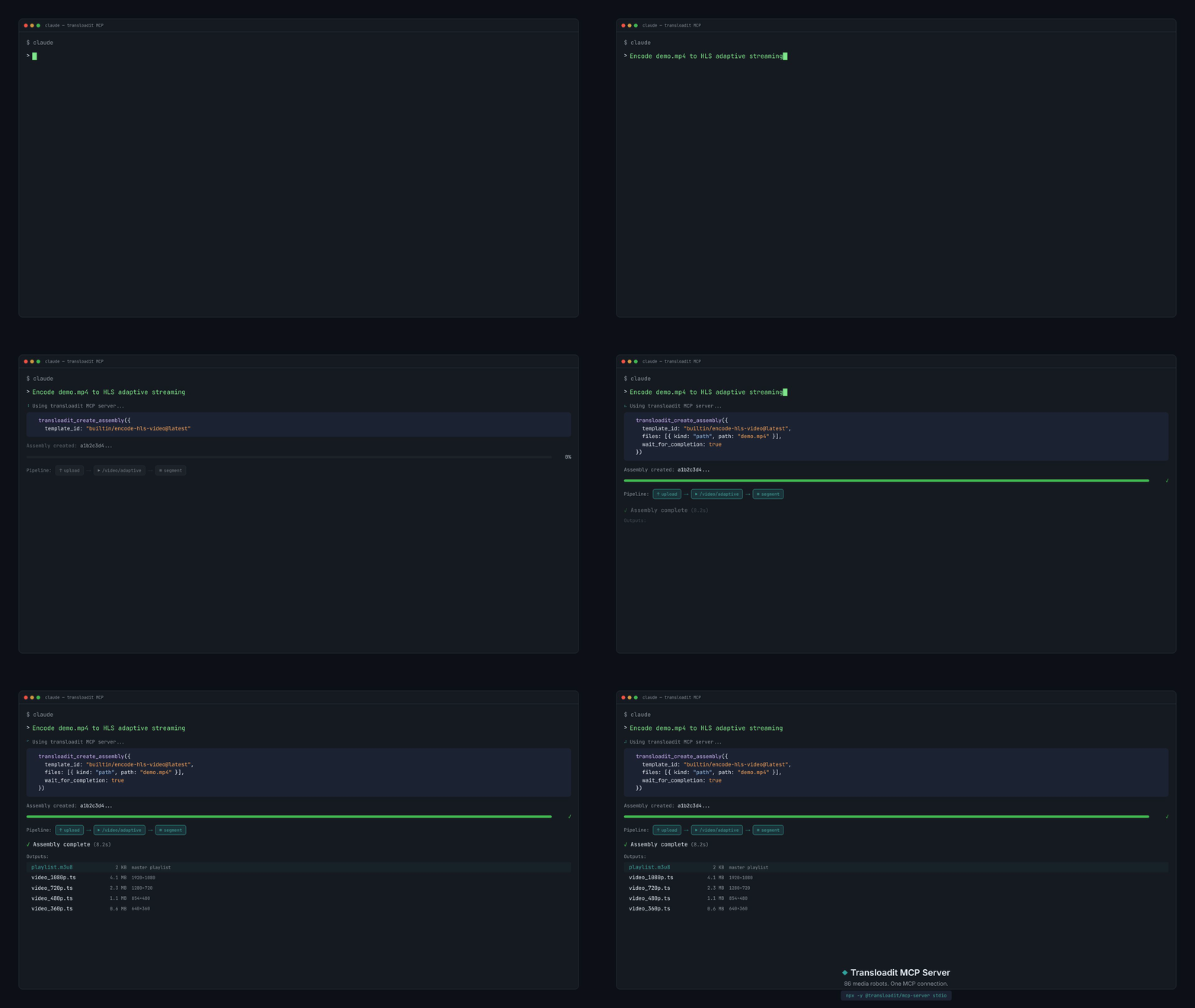
If you're building agent workflows in Claude Code, Gemini CLI, OpenAI Codex, or Cursor, the Transloadit MCP Server gives the model a small, predictable tool surface. In practice that means fewer invented endpoints, shorter prompts, and workflows that actually run end to end.
What you can do with the Transloadit MCP Server
- Upload local files and resume large uploads with tus.
- Create Assemblies with full instructions and follow results.
- List and use Templates (including built-in ones).
- Validate and lint Assembly Instructions before running your Assemblies.
MCP vs. skills/CLI
MCP is best for embedded runtime use: long-lived or autonomous agent pipelines where Transloadit runs repeatedly (uploads, assemblies, polling, results).
Skills/CLI are best for human-directed, one-off jobs: setting up integrations, generating Templates, scaffolding code, or running a single processing task locally with full repo/tool access.
These are guidelines, though, not hard rules. Some systems (for example OpenClaw) can work beautifully with skills, and MCP can also be great for interactive, human-in-the-loop flows. The right choice depends on your environment and preferences. We'll keep supporting both.
Quick start (agents)
Most people add the MCP server directly to their agent client. The client starts the server
automatically via npx -y @transloadit/mcp-server stdio.
See the setup instructions for Claude, Codex, Gemini, and Cursor in the MCP Server README.
If you cannot install packages where the agent runs (locked-down or hosted environments), use the
hosted MCP endpoint (https://api2.transloadit.com/mcp) with a Bearer token. Generate one with
npx -y @transloadit/node auth token --aud mcp (valid for six hours). Self-hosted MCP remains the
default recommendation, because it has direct access to your credentials and mints tokens
automatically.
Local vs hosted
- Local MCP works best for local file paths and private credentials.
- Hosted MCP is great for shared environments; clients can still upload via the CLI or small inline inputs.
Both modes use the same tool surface, so you can move between them without changing prompts.
What's next
We also shipped Transloadit Agent Skills. These are version-controlled playbooks that teach agents repeatable media workflows. MCP provides agents with tools; skills teach them how to use those tools well. The two complement each other.
Next up is more polish around uploads, linting, and Template discovery. We will also expand the MCP tool surface based on what people actually build. If you are building an agent flow and want something exposed or improved, let us know.