

Collage effects for /image/merge: polaroid-stack and mosaic

Our 🤖 /image/merge Robot has been our go-to for stitching images together, but until now it only produced plain horizontal or vertical sprite sheets. Great for contact sheets and sprite maps, but a bit stiff for anything that needs to be shared with humans.
Today, we are adding two styled collage layouts to the same Robot: polaroid-stack and
mosaic.
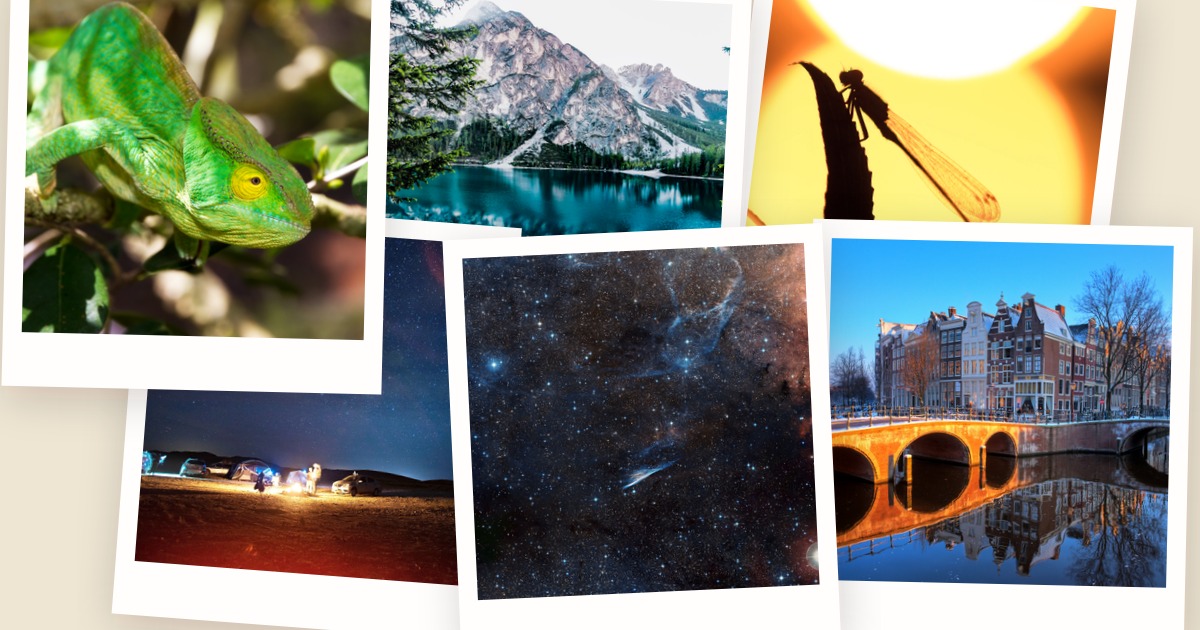
The idea is simple: for the most common “turn N uploads into a single nice image” workflow, the fastest path should be a single Step you can reach for without hand-rolling a canvas. No compositing Robot choreography, no geometry math, no picking where each photo goes.
Two effects, one Robot
You pick the layout with the new effect parameter:
{
  "steps": {
    "collage": {
      "robot": "/image/merge",
      "use": { "steps": [":original"], "bundle_steps": true },
      "effect": "polaroid-stack",
      "width": 1920,
      "height": 1200
    }
  }
}
polaroid-stack: instant photos on a canvas
polaroid-stack lays the inputs out as overlapping instant photos on a colored canvas, with a
subtle drop shadow and a random tilt per photo. The results are deterministic given the same seed,
so you can pin a layout once you like it.
Under the hood we compute how many photos per row will fit the canvas, size the polaroid paper so that the shot inside stays square, drop each one at a slight pseudo-random angle, and composite the result onto a beige paper-ish background by default.
The 1200×630 image at the top of this post is the polaroid-stack effect with six inputs, all
rendered from a single /image/merge Step.
mosaic: a justified, tile-based collage
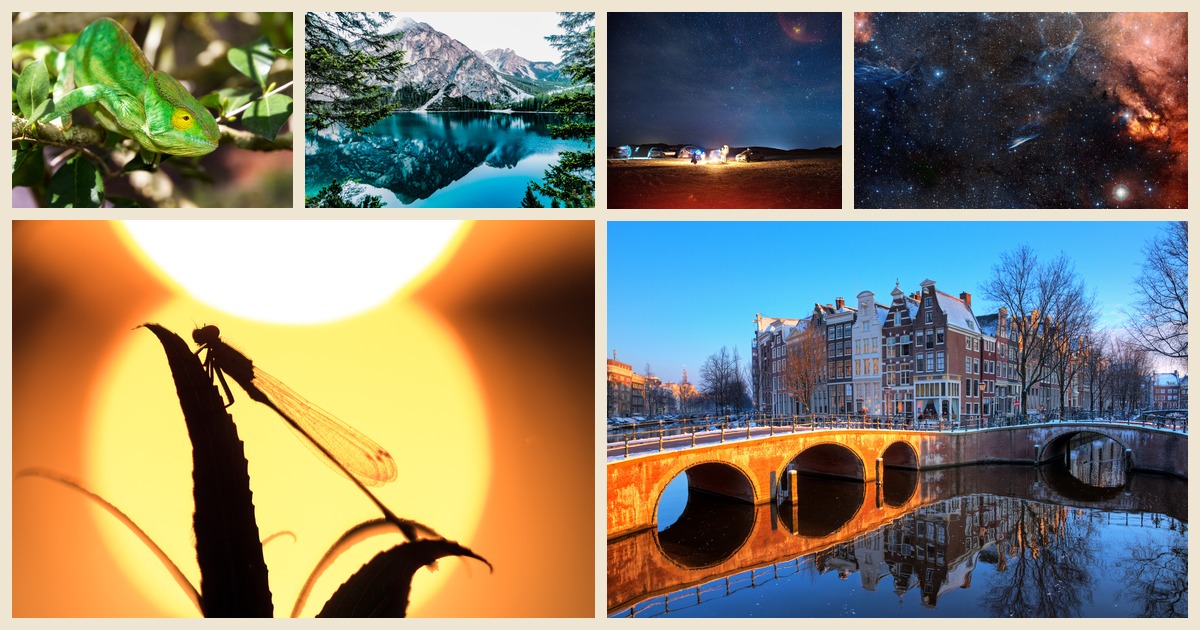
mosaic instead builds a justified collage. It reads the aspect ratio of each input and solves for
a split that keeps rows and columns aligned at the outer rectangle. Each photo is center-cropped to
fill its tile. Think “Flickr justified layout”, not a rigid grid of fixed cells.
Both effects share the same canvas-level knobs:
widthandheightdefine the output canvas (default 1920×1200).borderis canvas padding forpolaroid-stackand gutter width formosaic.backgroundfills the canvas; set it tononeortransparent(andformat: pngorwebp) to get an alpha channel.seedmakes the layout deterministic.shufflelets the Robot randomize input order before laying out.
polaroid-stack also takes a coverage multiplier (default 1.5) if you want bigger or smaller
polaroids relative to the canvas. The plain sprite sheet behavior is still there when you omit
effect — we did not touch that code path.
Run it end to end
Here is a complete Assembly that takes whatever the user uploads, builds a polaroid-stack collage on a transparent background, and exports both the originals and the collage to S3:
{
  "steps": {
    ":original": {
      "robot": "/upload/handle"
    },
    "collage": {
      "robot": "/image/merge",
      "use": {
        "steps": [":original"],
        "bundle_steps": true
      },
      "effect": "polaroid-stack",
      "width": 1920,
      "height": 1200,
      "format": "png",
      "background": "none"
    },
    "exported": {
      "robot": "/s3/store",
      "use": [":original", "collage"],
      "credentials": "my_s3_credentials"
    }
  }
}
Swap polaroid-stack for mosaic to get the tiled layout instead. Everything else stays the same.
When to opt for which
- Pick
polaroid-stackwhen the vibe is personal or scrapbook-ish: user-generated content recaps, event galleries, “your year in photos” style emails. - Pick
mosaicwhen you want a cleaner, editorial look with a tile for every photo: product grids, portfolio hero sections, and social previews built from a batch of inputs. - Stick with the plain sprite sheet (no
effect) when you actually want a sprite sheet — for CSS sprites, tileable backgrounds, or anywhere else exact uniform cells matter more than aesthetics.
Try it
The two new effects are live now on /image/merge. If you have a
Transloadit account, the fastest way to play with them is in the
Template Editor. Drop in the JSON above, upload a handful of
images, and iterate on width, coverage, or seed until the layout feels right.
We built these tools because we kept seeing customers compose several
Robots to approximate the same thing. If there is a third
collage shape that would be useful to you — a grid with rounded corners, a filmstrip, or a diagonal
overlap — let us know and we will look into adding it as another effect value.
Take the effects for a spin with these runnable demos: