RasheOriginal post
The problem:
Cannot download file in backend from cloudfront or s3 after uploading it with uppy, but only for Instagram uploads
Providers:
- Manual upload
It works for Manual Upload
It doesn’t work for Instagram
Companion code:
{
      providerOptions: {
        instagram: {
          key: process.env.instagram_basic_display_appId,
          secret: process.env.instagram_basic_display_appSecret,
        },
      },
      s3: {
        getKey: (req: any, filename: string) => `${ Date.now() }-${ filename }`,
        key: process.env.AWS_ACCESS_KEY_ID,
        secret: process.env.AWS_SECRET_ACCESS_KEY,
        bucket: "BUCKET_NAME",
        region: "us-east-1",
        expires: 30000,
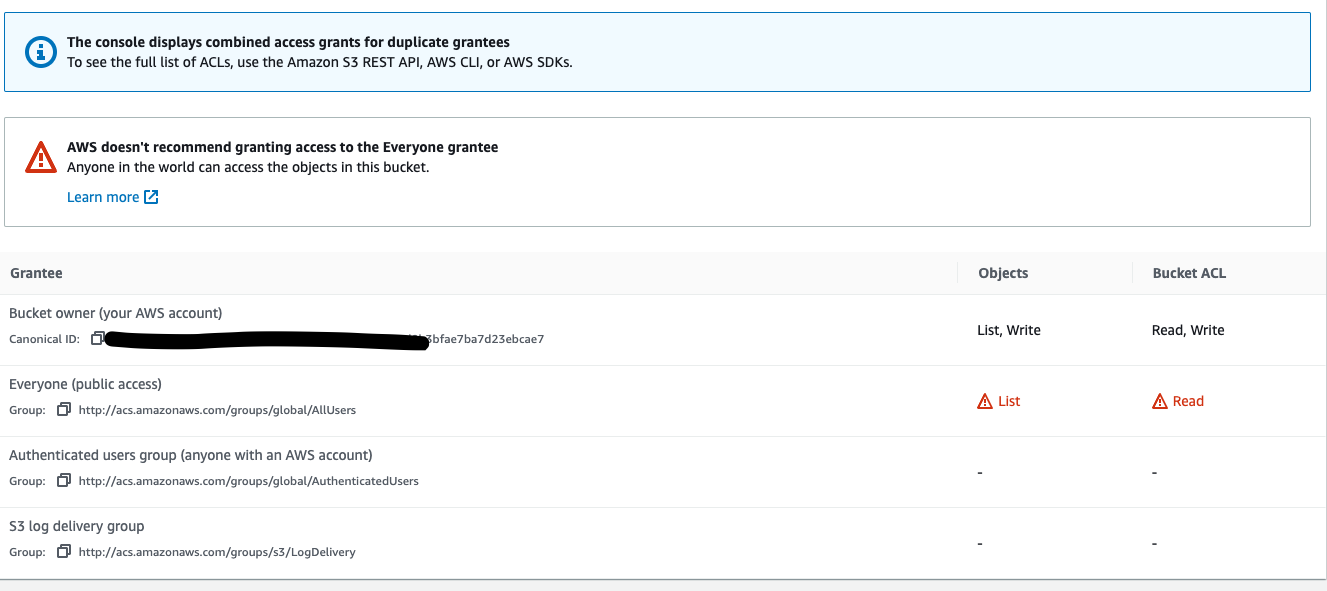
        acl: "public-read",
      },
      server: {
        host: process.env.companion_server_host,
        protocol: "https",
        path:uppyCompanionUrl,
      },
      debug: false,
      filePath: ".",
      uploadUrls: [/^http:\/\/comain.com\//, /^http:\/\/localhost\//, /^https:\/\/app-dev.domain.com\//, /^https:\/\/BUCKET_NAME.amazonaws.com\//, /^https:\/\/amazonaws.com\//, /^https:\/\/s3.us-east-1.amazonaws.com\//],
      secret: process.env.companion_secret,
      corsOrigins:corsWhiteList,
      streamingUpload: true,
      allowLocalUrls: true,
      maxFileSize: 100000000,
      periodicPingInterval: 60000,
      periodicPingStaticPayload: {static: "payload"},
    }
Both manual and instagram uploads are through companion.
Any ideas why it doesn’t work for inta?