

Optimize, resize, and deliver images through one API
Turn every upload into every crop, format, and size your product needs, at any volume.

Smart crop 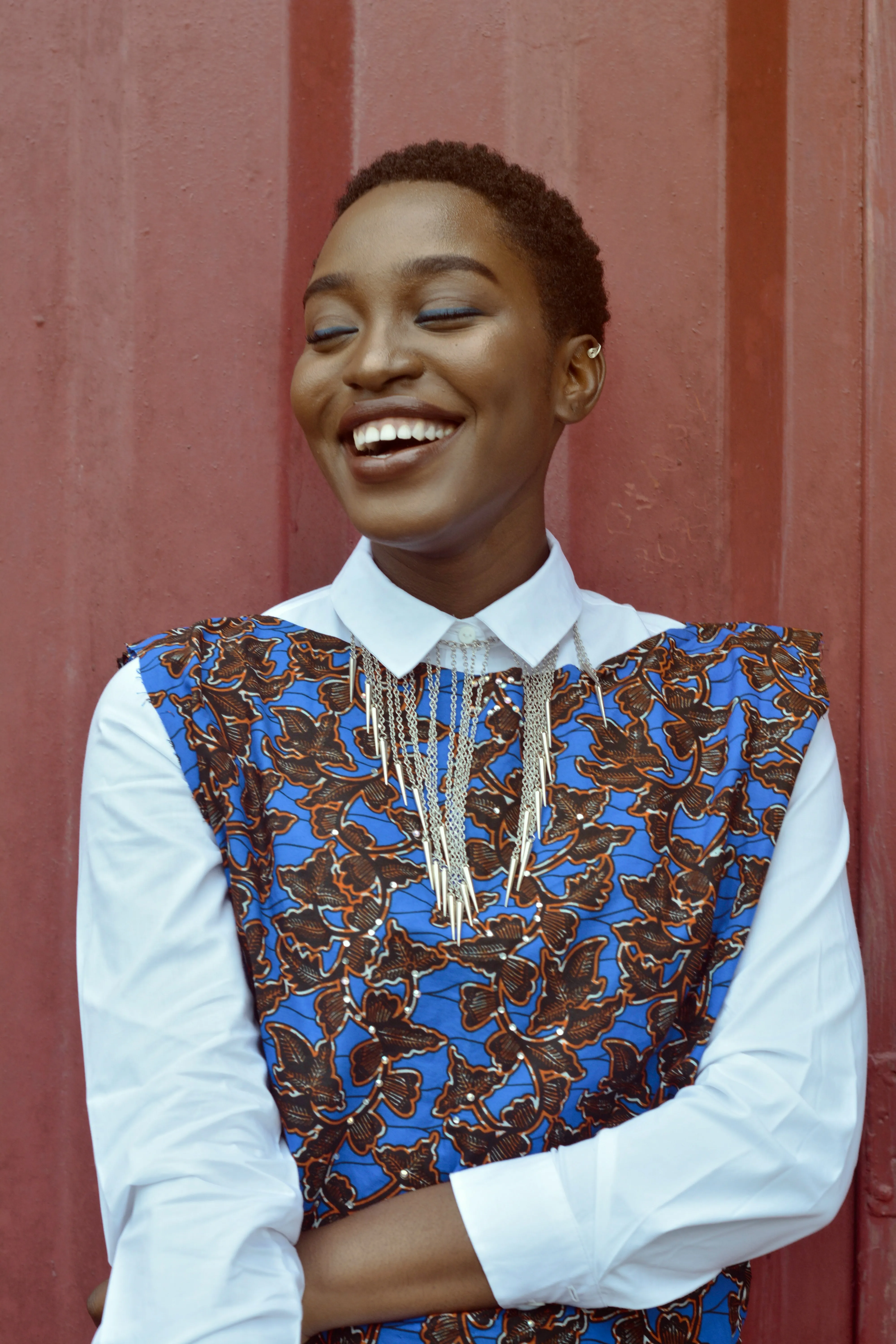
Face detection 
Avatar crop 
Watermark 
Format conversion Convert HEIC to AVIF


Build momentum
Make every image work harder for your business.
Lighter files and faster pages, so the first impression lands before anyone scrolls away.
Never lose an upload
Uploads resume after a dropped connection, so nobody starts over.
Keep your catalog consistent
Consistent crops and sizes across your whole product catalog.
Publish campaigns sooner
Thumbnails and channel-ready variants from a single upload.
Reach every screen
The right size and format for every device your audience uses.
Faster pages, fewer bounces
Smaller images, so pages load before visitors lose interest.
Spend less on image transfers
Lighter files mean fewer bytes to store and deliver.
Image Robots
The image operations your platform runs every day
Each one runs on our infrastructure and chains with the rest, so a single request can resize, tag, and deliver the same upload.
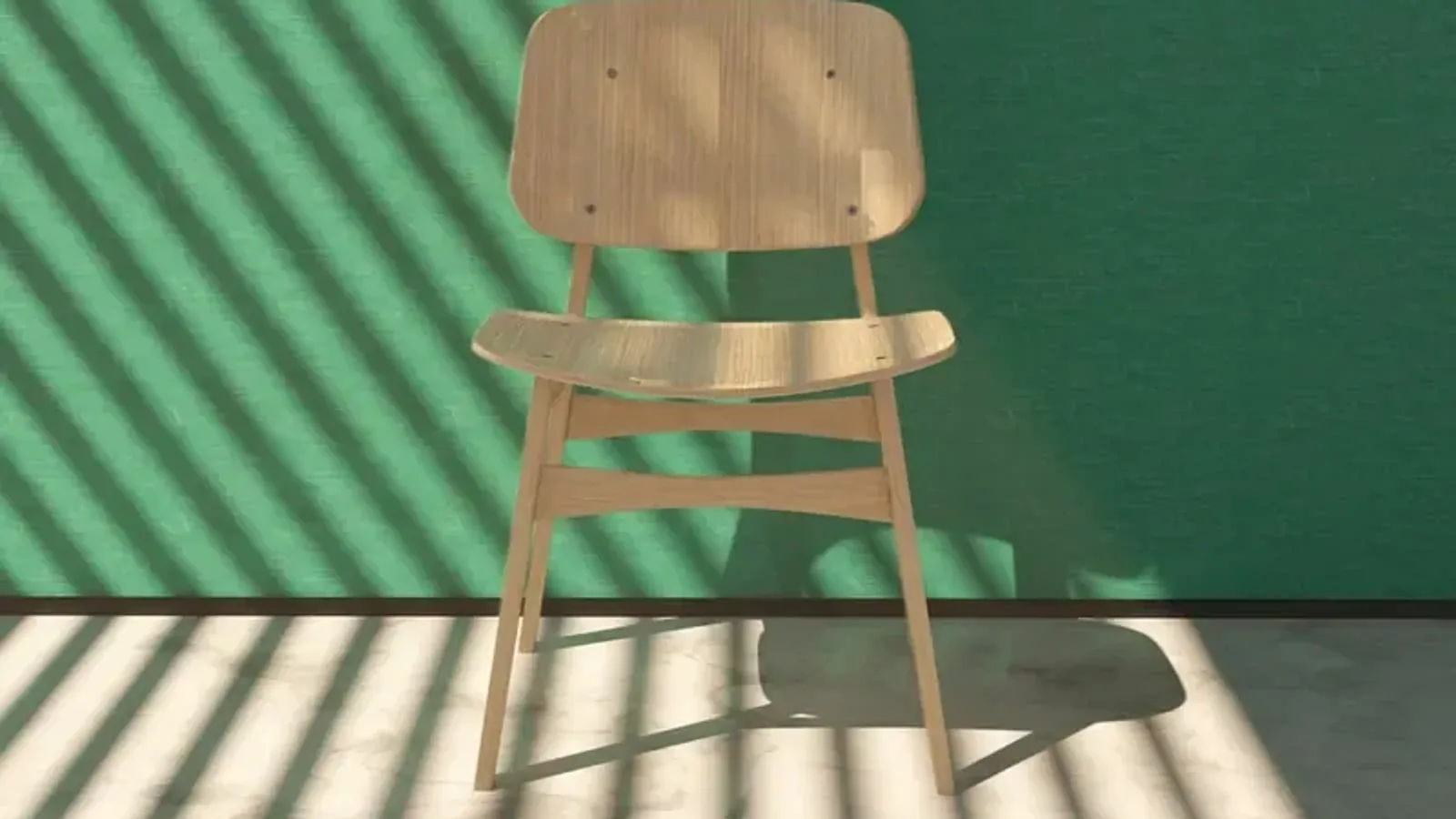
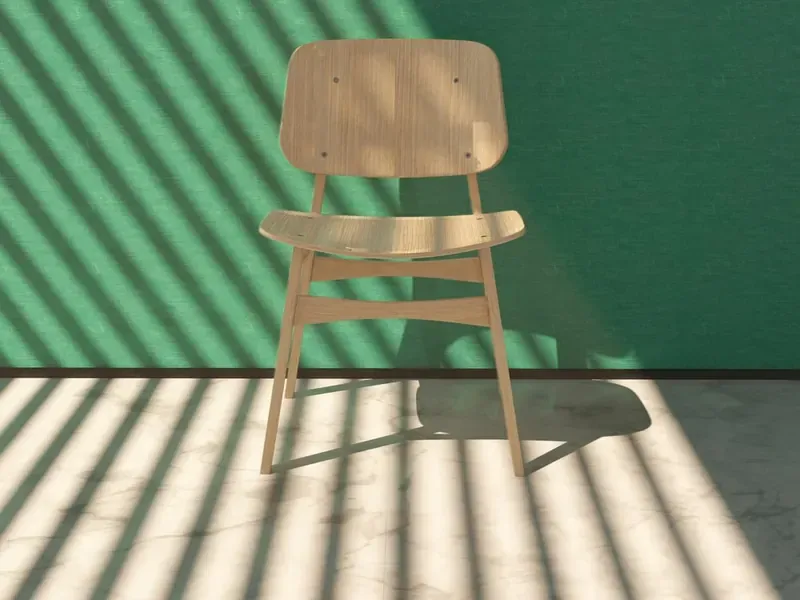 1600 × 900800 × 800
Resize and crop
Turn one upload into every size and aspect ratio your interface renders.
/image/resize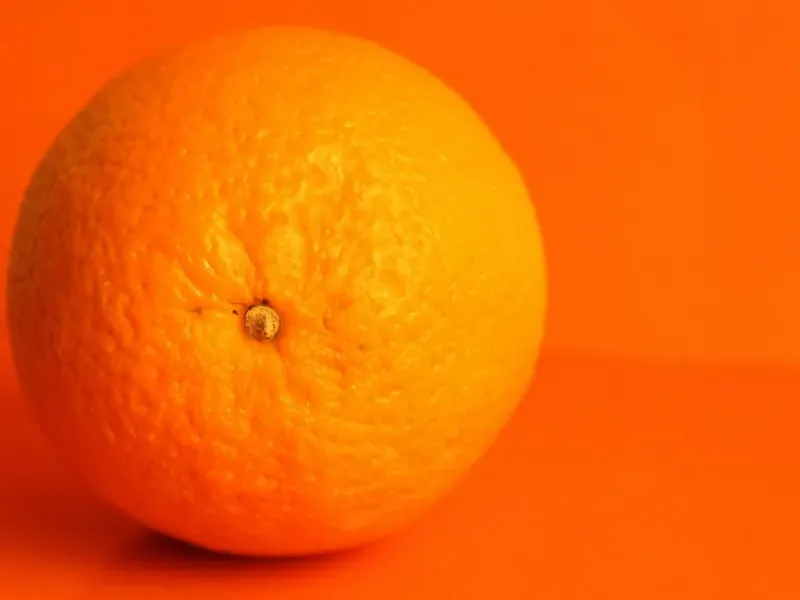 JPEG · 2.9 MB97% smaller
Optimize
Strip the weight out of an image without a visible change in quality.
/image/optimize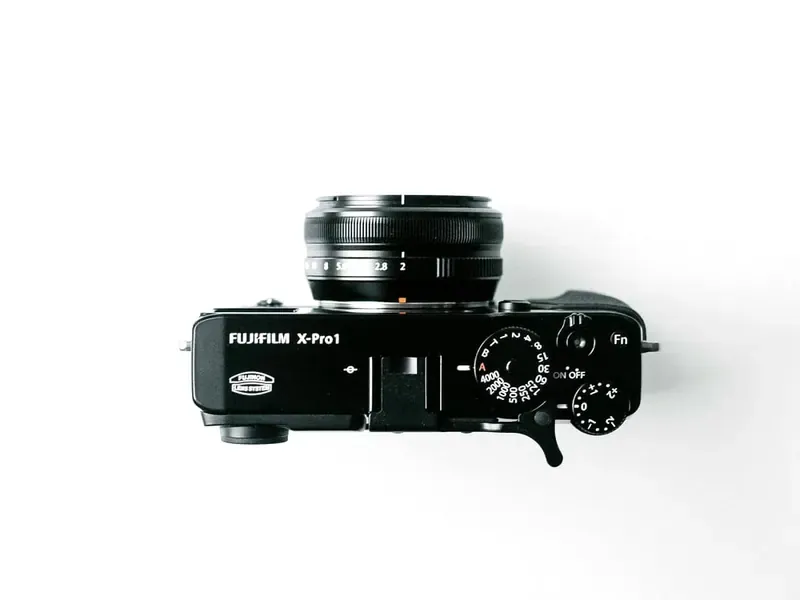
Remove backgrounds
Cut the subject out of a product shot and keep the alpha channel.
/image/bgremove 4 faces
Detect faces
Find every face, then crop to it or blur it for privacy compliance.
/image/facedetect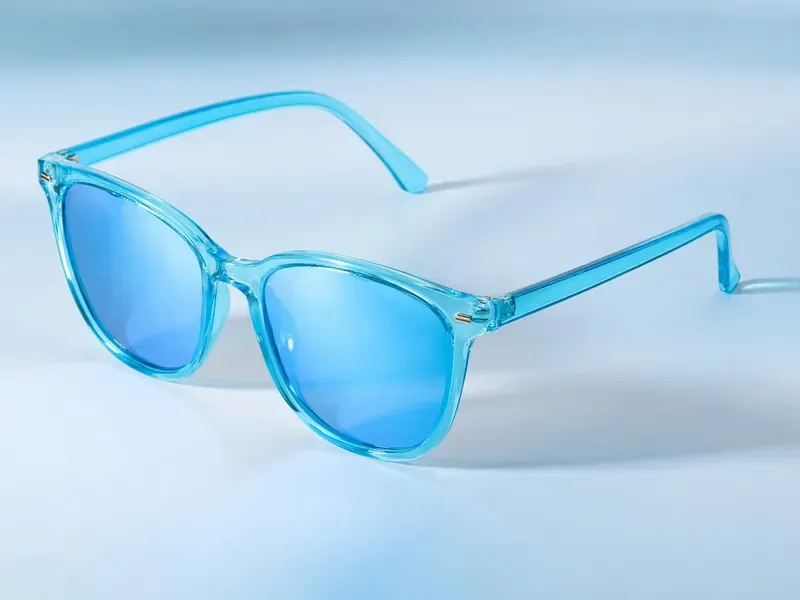 sunglasses0.98eyewear0.94accessory0.89
Recognize objects
Label what is in a picture so your catalogue can search and filter on it.
/image/describe

Merge images
Combine many images into a single sprite in one pass.
/image/merge
Enhance
Correct flat, dull, or badly lit uploads before they reach your users.
/image/enhance

Upscale
Raise the resolution of small originals without the blocky edges.
/image/upscale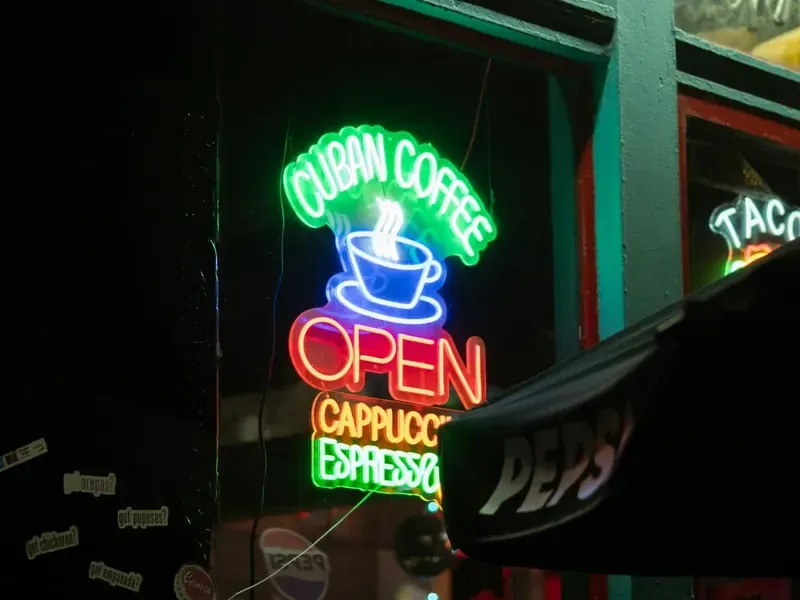 Cuban Coffee · Open · Cappuccino · Espresso
Read text
Pull the words out of scans, receipts, and photographs as plain text.
/image/ocr
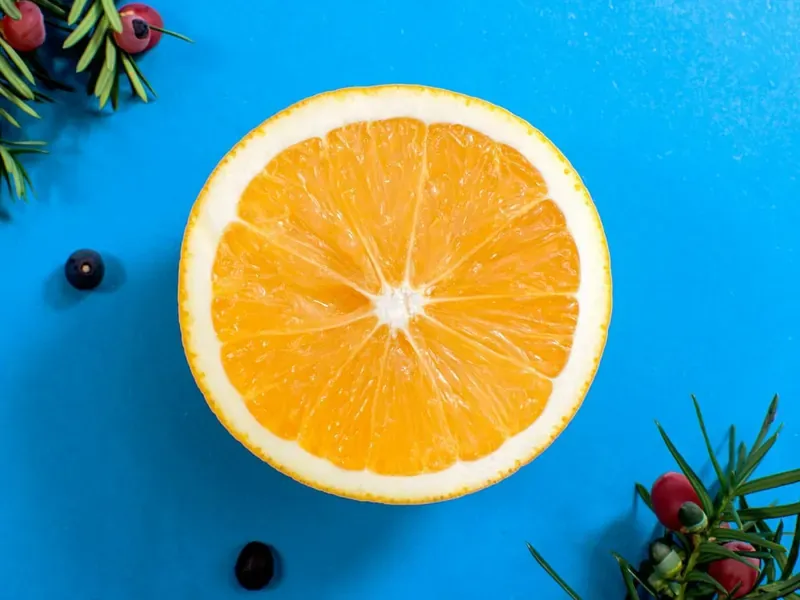 a halved orange on a cobalt background
Generate images
Produce artwork from a prompt inside the same Assembly as everything else.
/image/generate Known work · 98% match
Detect copyright
Flag protected material in user uploads before you publish it.
/image/copyrightdetect
Your workflow. Your controls.
Image processing without the pain
One workflow for every upload, instead of scripts someone has to keep alive.
Screen incoming images
Filter, virus-scan, and moderate uploads before anything else runs.
Control size, crop, and format
Set dimensions, crop strategy, quality, and color for every output.
Multiple variants. One API call.
Thumbnails, product shots, and full-size versions from one workflow.
Keep your branding consistent
Stamp text or logo watermarks on every file that passes through.
Remove unwanted metadata
Strip EXIF and location data before images go public.
Bring your own storage
Send results to Amazon S3, Cloudflare R2, Google Cloud Storage, Azure, and more.
Know when each Assembly finishes
Have Transloadit notify your server when an Assembly ends, then check its status for results or errors.
Reserve capacity for peak traffic
Buy extra priority slots in advance. Extra jobs queue when your slots are busy.
Keep spending in check
Set a soft bill limit for alerts, or a hard limit that rejects new Assemblies once reached.
Frequently asked questions
Which image formats can I work with?
JPEG, PNG, GIF, WebP, TIFF, and AVIF are popular starting points. Available input and output formats vary by Robot, so you can choose the right workflow for photos, graphics, or animated images. Browse supported image formats.
Can I create several image sizes from one upload?
Yes. Add several resize steps to one Template and reuse the same input. You can make thumbnails, product cards, and larger images in one API call. Explore image resize options.
How do I make images smaller without changing their dimensions?
Use image optimization to reduce file size, or choose a different output format and quality setting when resizing. Savings depend on the original image and the settings you choose. Learn about image optimization.
Can I crop images and add watermarks?
Yes. Control crop strategy, dimensions, and positioning, then add a text or image watermark. Save those settings in a Template to keep results consistent across uploads. See the available image controls.
Can I remove EXIF data from public images?
Yes. Enable metadata stripping in your image resize step to remove image metadata from its output. This is useful when originals contain information you do not want to publish. Read about the strip parameter.
Can I keep images in my own storage or transform them on demand?
Yes. Export prepared images to your own storage, or use Smart CDN to transform supported images when requested and cache the results. Choose the approach that fits your publishing workflow. Explore on-demand delivery.
How can I estimate and control costs?
Rates vary by operation and usage. A soft bill limit sends alerts; once a hard limit is reached, new Assemblies are rejected. For larger workloads, ask about volume pricing and extra priority slots. Estimate your workflow costs.