# Copy files from Backblaze to DigitalOcean Spaces

In this demo we show how you can use Transloadit's API to copy files from Backblaze to DigitalOcean Spaces.

Once you set up the recipes, Transloadit can do this for you automatically.

Optionally you could also transform the files between the import from Backblaze and the export to DigitalOcean Spaces.

You can for example encode videos, optimize images, detect faces, and [much more](/services.md).

Step 1:

### ![Import files from Backblaze](/_next/static/immutable/media/file-importing.1789ej180i-yi.svg)Import files from Backblaze

We are happy to import from whatever storage solution suits you best.[Learn more ›](/services/file-importing.md)

![BRUNTSFIELD.jpg](https://demos.transloadit.com/b4/002feb97414c02a7d2eb868bde26da/BRUNTSFIELD.jpg)

[BRUNTSFIELD.jpg](https://demos.transloadit.com/b4/002feb97414c02a7d2eb868bde26da/BRUNTSFIELD.jpg)

Image – 19 KB

400 × 400

![.jpg](https://demos.transloadit.com/5d/d24f5afeba400e8742a41ea6081ce7/.jpg)

[.jpg](https://demos.transloadit.com/5d/d24f5afeba400e8742a41ea6081ce7/.jpg)

Image – 111 KB

1000 × 1000

![STOCKBRIDGE.jpg](https://demos.transloadit.com/a0/caeb50b2ea460a83a17422e48ab2c7/STOCKBRIDGE.jpg)

[STOCKBRIDGE.jpg](https://demos.transloadit.com/a0/caeb50b2ea460a83a17422e48ab2c7/STOCKBRIDGE.jpg)

Image – 85 KB

1000 × 1000

![snowflake.jpg](https://demos.transloadit.com/10/44fd14a8d042e49a8bcbb1f4d0f1a1/snowflake.jpg)

[snowflake.jpg](https://demos.transloadit.com/10/44fd14a8d042e49a8bcbb1f4d0f1a1/snowflake.jpg)

Image – 131 KB

1152 × 768

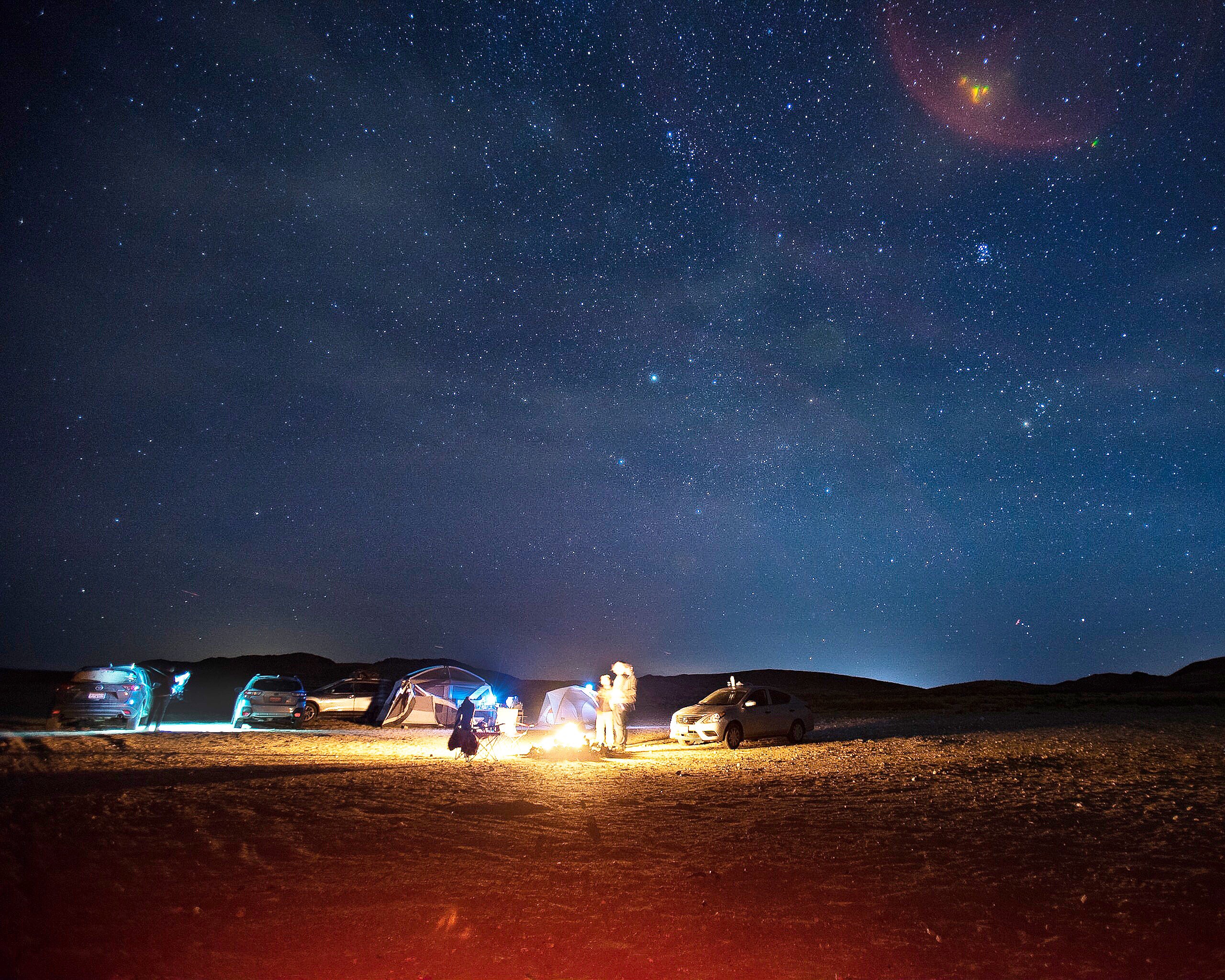
![desert.jpg](https://demos.transloadit.com/1a/3cc077f110492bb8fa2f4f47905093/desert.jpg)

[desert.jpg](https://demos.transloadit.com/1a/3cc077f110492bb8fa2f4f47905093/desert.jpg)

Image – 1.5 MB

2560 × 2048

![ravi-roshan-383162.jpg](https://demos.transloadit.com/5d/5a77c324e843e08f3c82cd14f88bbf/ravi-roshan-383162.jpg)

[ravi-roshan-383162.jpg](https://demos.transloadit.com/5d/5a77c324e843e08f3c82cd14f88bbf/ravi-roshan-383162.jpg)

Image – 1.4 MB

4096 × 2301

```
"imported": {
  "robot": "/backblaze/import",
  "result": true,
  "credentials": "demo_backblaze_credentials",
  "path": "my_source_folder/"
}
```

🤖 [/backblaze/import](/docs/robots/backblaze-import.md)

This bot imports whole directories of files from your Backblaze bucket

Step 2:

### ![Export files to DigitalOcean Spaces](/_next/static/immutable/media/file-exporting.1zp-mu826z4vh.svg)Export files to DigitalOcean Spaces

We export to the storage platform of your choice.[Learn more ›](/services/file-exporting.md)

`imported`

* [https://demos.transloadit.com/b4/002feb97414c02a7d2eb868bde26da/BRUNTSFIELD.jpg⁠](https://demos.transloadit.com/b4/002feb97414c02a7d2eb868bde26da/BRUNTSFIELD.jpg)
* [https://demos.transloadit.com/5d/d24f5afeba400e8742a41ea6081ce7/.jpg⁠](https://demos.transloadit.com/5d/d24f5afeba400e8742a41ea6081ce7/.jpg)
* [https://demos.transloadit.com/a0/caeb50b2ea460a83a17422e48ab2c7/STOCKBRIDGE.jpg⁠](https://demos.transloadit.com/a0/caeb50b2ea460a83a17422e48ab2c7/STOCKBRIDGE.jpg)
* [https://demos.transloadit.com/10/44fd14a8d042e49a8bcbb1f4d0f1a1/snowflake.jpg⁠](https://demos.transloadit.com/10/44fd14a8d042e49a8bcbb1f4d0f1a1/snowflake.jpg)
* [https://demos.transloadit.com/1a/3cc077f110492bb8fa2f4f47905093/desert.jpg⁠](https://demos.transloadit.com/1a/3cc077f110492bb8fa2f4f47905093/desert.jpg)
* [https://demos.transloadit.com/5d/5a77c324e843e08f3c82cd14f88bbf/ravi-roshan-383162.jpg⁠](https://demos.transloadit.com/5d/5a77c324e843e08f3c82cd14f88bbf/ravi-roshan-383162.jpg)

```
"exported": {
  "use": "imported",
  "robot": "/digitalocean/store",
  "result": true,
  "credentials": "YOUR_DIGITALOCEAN_CREDENTIALS"
}
```

🤖 [/digitalocean/store](/docs/robots/digitalocean-store.md)

This bot exports encoding results to DigitalOcean Spaces

## Build this in your own language

```
<!-- This pulls Uppy from our CDN -->
<!-- For smaller self-hosted bundles, install Uppy and plugins manually: -->
<!-- npm i --save @uppy/core @uppy/dashboard @uppy/remote-sources @uppy/transloadit ... -->
<link
  href="https://releases.transloadit.com/uppy/v3.10.0/uppy.min.css"
  rel="stylesheet"
/>
<button id="browse">Select Files</button>
<script type="module">
  import {
    Uppy,
    Dashboard,
    ImageEditor,
    RemoteSources,
    Transloadit,
  } from 'https://releases.transloadit.com/uppy/v3.10.0/uppy.min.mjs'
  const uppy = new Uppy()
    .use(Transloadit, {
      waitForEncoding: true,
      alwaysRunAssembly: true,
      assemblyOptions: {
        params: {
          // It's often better store encoding instructions in your account
          // and use a `template_id` instead of adding these steps inline
          steps: {
            imported: {
              robot: '/backblaze/import',
              result: true,
              credentials: 'demo_backblaze_credentials',
              path: 'my_source_folder/',
            },
            exported: {
              use: 'imported',
              robot: '/digitalocean/store',
              result: true,
              credentials: 'YOUR_DIGITALOCEAN_CREDENTIALS',
            },
          },
        },
      },
    })
    .use(Dashboard, { trigger: '#browse' })
    .use(ImageEditor, { target: Dashboard })
    .use(RemoteSources, {
      companionUrl: 'https://api2.transloadit.com/companion',
    })
    .on('complete', ({ transloadit }) => {
      // Due to `waitForEncoding:true` this is fired after encoding is done.
      // Alternatively, set `waitForEncoding` to `false` and provide a `notify_url`
      console.log(transloadit) // Array of Assembly Statuses
      for (const assembly of transloadit) {
        console.log(assembly.results) // Array of all encoding results
      }
    })
    .on('error', (error) => {
      console.error(error)
    })
</script>

```

[Read docs: Browsers](/docs/sdks/uppy.md)

## So many ways to integrate

Transloadit is a service for companies with developers. And there are many ways developers can put Transloadit to good use inside your company to automate media processing.

#### Bulk imports

Add one of our [import Robots](/services/file-importing.md) to acquire and transcode massive media libraries.

#### Handling uploads

We are *the* experts at reliably [handling uploads](/services/handling-uploads.md). We wrote the [protocol⁠](https://tus.io/) for it.

#### Front-end integration

We integrate with web browsers via our next-gen file uploader [Uppy⁠](https://uppy.io/) and SDKs for Android and iOS.

#### Back-end integration

Send us batch jobs in any server language using one of our [SDKs](/docs/sdks.md) or directly interfacing with our [REST API](/docs/api.md).

#### Pingbacks

Configure a [notify\_url](/services/content-delivery.md) to let your server receive transcoding results JSON in the `transloadit` POST field.

#### On-demand

Use our [Smart CDN](/services/file-importing.md) to adapt files on-demand and stream them directly to your users.

[Browsers](/docs/sdks/uppy.md)[TransloaditKit](/docs/sdks/transloaditkit.md)[Ruby SDK](/docs/sdks/ruby-sdk.md)[HTTP REST API](/docs/api.md)[Python SDK](/docs/sdks/python-sdk.md)[PHP SDK](/docs/sdks/php-sdk.md)[Node.js SDK](/docs/sdks/node-sdk.md)[Java SDK](/docs/sdks/java-sdk.md)[Go SDK](/docs/sdks/go-sdk.md)[cURL](/docs/sdks/curl.md)[Convex](/docs/sdks/convex.md)

[Browsers](/docs/sdks/uppy.md)[TransloaditKit](/docs/sdks/transloaditkit.md)[Ruby SDK](/docs/sdks/ruby-sdk.md)[HTTP REST API](/docs/api.md)[Python SDK](/docs/sdks/python-sdk.md)[PHP SDK](/docs/sdks/php-sdk.md)[Node.js SDK](/docs/sdks/node-sdk.md)[Java SDK](/docs/sdks/java-sdk.md)[Go SDK](/docs/sdks/go-sdk.md)[cURL](/docs/sdks/curl.md)[Convex](/docs/sdks/convex.md)

[Browsers](/docs/sdks/uppy.md)[TransloaditKit](/docs/sdks/transloaditkit.md)[Ruby SDK](/docs/sdks/ruby-sdk.md)[HTTP REST API](/docs/api.md)[Python SDK](/docs/sdks/python-sdk.md)[PHP SDK](/docs/sdks/php-sdk.md)[Node.js SDK](/docs/sdks/node-sdk.md)[Java SDK](/docs/sdks/java-sdk.md)[Go SDK](/docs/sdks/go-sdk.md)[cURL](/docs/sdks/curl.md)[Convex](/docs/sdks/convex.md)

## Other cool demos

[![File exporting](/assets/images/services/file-exporting.svg?dpl=dpl_2va3YBn22HhLsqATrmvGRCEgnYNE)File exportingApply a watermark to an image and store everything over SFTP](/demos/file-exporting/watermark-an-image-and-store-it-over-sftp.md)[![File exporting](/assets/images/services/file-exporting.svg?dpl=dpl_2va3YBn22HhLsqATrmvGRCEgnYNE)File exportingCopy files from Amazon S3 to Tigris](/demos/file-exporting/transfer-files-from-amazon-s3-to-tigris.md)[![Document processing](/assets/images/services/document-processing.svg?dpl=dpl_2va3YBn22HhLsqATrmvGRCEgnYNE)Document processingAdd a header of footer to a PDF](/demos/document-processing/add-header-or-footer-to-pdf.md)

Try Transloadit

## Ready to get started?

Join thousands of developers who trust Transloadit for their file processing needs.

Building file processing from scratch

Ready-to-use API & SDKs

Scaling infrastructure headaches

Auto-scaling global infrastructure

Managing codec updates

Always up-to-date processing

Handling file security

Enterprise-grade security

Supporting all file formats

1000+ formats & codecs supported

Unpredictable costs

Transparent pricing

GDPR

GDPR

HIPAA

HIPAA

ISO 27001ISO27001

ISO 27001

AES-256

AES-256

SOC 2 Type II

SOC 2 Type II

[Try Transloadit for Free](/c/signup/)

[Try Transloadit for Free](/c/signup/)

No credit card needed · 5 GB included in the free plan · Cancel anytime