

The file pipeline behind construction software
Field photos, drone footage, and plan sets, virus-scanned, searchable, and ready for the next shift.
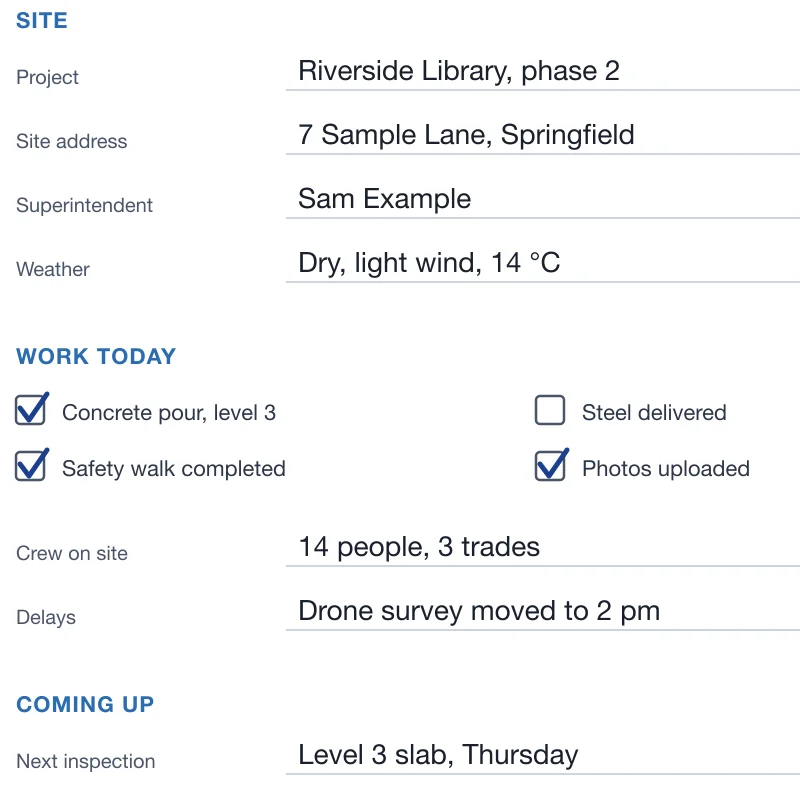
Text found with OCR 
Watermark added Captions - PDFsite-report-scan.pdfJPGsite-report.jpg
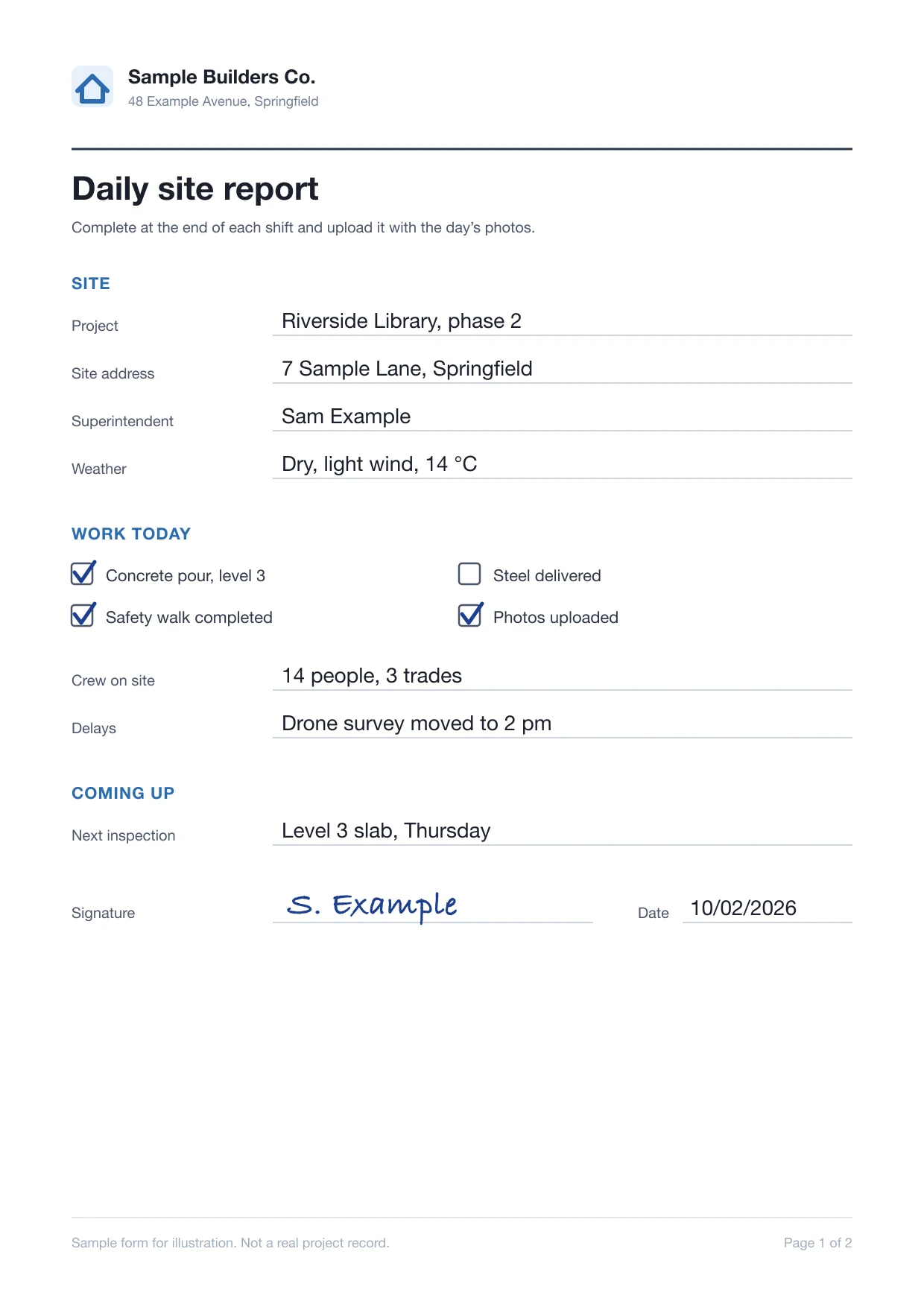
Converted to PDF  sub-invoice-0918.pdfMalware detected
Scanned for viruses Video ready to stream
Trusted since 2009 by
the world’s most ambitious platforms.










From the job site
to the project record
Encode drone and site footage, check every subcontractor and field upload, and send each upload through the processing it needs.
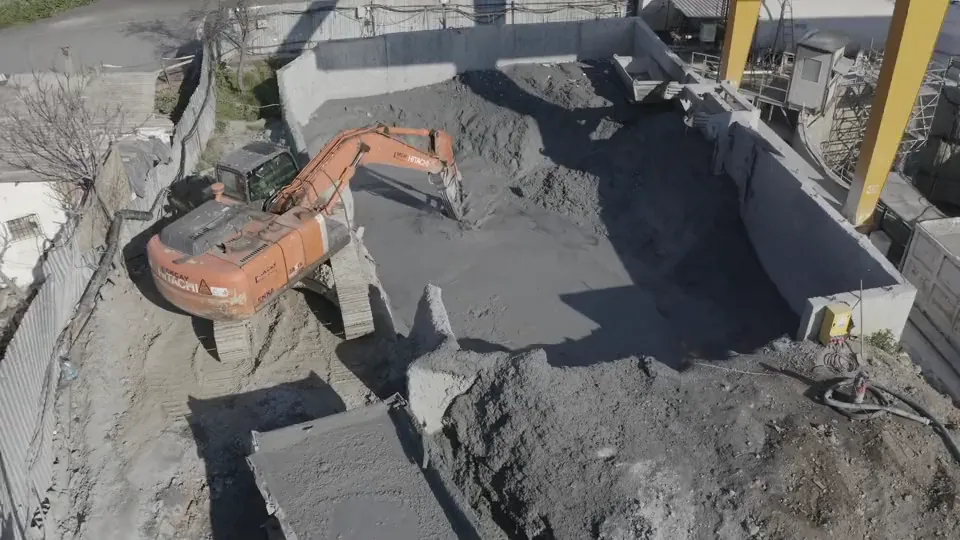
Drone surveys in the project the same day
Every drone flight is encoded for adaptive playback with a poster frame the moment it lands, so the office reviews progress without downloading gigabytes.
Every outside upload checked first
Virus-scan subcontractor files and refuse unaccepted file types before they reach a shared folder.
 level3-pour-0412.jpgA-201-floor-plan.pdfsub-invoice-0918.pdf
 drone-survey-oct02.mp4site-report-1002.jpg
 rebar-schedule.xlsxsubmittal-hvac-07.pdf
Each upload gets the processing it needs
Site photos, plan sets, daily reports, and drone footage are routed by file type and trade, each through the processing it needs.
- File
- level3-pour-0412.jpg
- Source
- Field crew
- Routed through
- /image/resize
- /image/optimize
- File
- site-report-1002.jpg
- Source
- Field crew
- Routed through
- /document/convert
- /document/ocr
- File
- A-201-floor-plan.pdf
- Source
- Design team
- Routed through
- /document/split
- /document/thumbs
- File
- drone-survey-oct02.mp4
- Source
- Drone pilot
- Routed through
- /video/encode
- /video/adaptive
- File
 submittal-hvac-07.docx
- Source
- Subcontractor
- Routed through
- /document/convert
- /document/thumbs
- File
 shop-drawings-rev4.zip
- Source
- Subcontractor
- Routed through
- /file/decompress
- /file/virusscan
- File
 safety-walk-1002.mov
- Source
- Safety lead
- Routed through
- /video/encode
- /speech/transcribe
- File
- punch-list-east.jpg
- Source
- Inspector
- Routed through
- /image/resize
- /file/hash
- File
- closeout-photos.zip
- Source
- General contractor
- Routed through
- /file/decompress
- /image/resize
- File
- progress-week-14.mp4
- Source
- Owner’s rep
- Routed through
- /video/encode
- /video/thumbs
- File
- rfi-112-sketch.jpg
- Source
- Design team
- Routed through
- /document/convert
- /document/autorotate
- File
- as-built-scan.pdf
- Source
- Document control
- Routed through
- /document/ocr
- /file/hash
What the field and the office notice
The pipeline stays out of sight. What your users see is uploads that survive a weak signal, reports they can search, and drawings that open in place.
Scanned daily reports show up in search
Scanned reports are turned upright and read by OCR, so a project search finds the delay noted on site.
Submittals and reports open without a download
Word, Excel, and PowerPoint files become PDFs with thumbnails, so reviewers read them in your app.
site-report-1002.docxsite-report-1002.pdfConverting to PDF…Converted from WordUploads finish on a job-site connection
Resumable uploads of up to 200 GB per file, depending on plan, pick up where they left off after a dropped signal.
 drone-survey-oct02.mp46.4 GBUploading part 1 of 8
Site walks arrive with a draft transcript
Walkthroughs play beside a draft transcript, so the punch list starts from what was said on site.
- The east stair rail is still missing two brackets.
- Flag it for the steel crew before Friday’s inspection.
- And photograph the slab edge once the pour is done.

I'm not usually one for fanboy-ism but Transloadit is one service I would recommend without hesitation. Their product and customer support is outstanding.What can Transloadit help with?
Six workflows that construction-management, field, and document-control platforms run on Transloadit instead of building them. Each one is a Robot, or a recipe of them, already in our library.
Resumable uploads from the field
Uploads from phones and tablets resume after a dropped signal, so site photos and footage arrive whole.
Site photos for every screen
Resize and compress progress photos, with the capture time and location returned for your photo log.
Plan sets split into sheets
Split large drawing sets into single sheets and render a thumbnail of each, so the right sheet loads on site.
Searchable reports and scans
Turn sideways scans upright and extract their text, so daily reports and delivery tickets show up in your search.
Drone and site video
Encode drone flights and walkthroughs for adaptive playback, with stills at the timestamps you choose.
Subcontractor files checked
Unpack ZIP deliveries, virus-scan every file inside, and refuse the file types your platform does not accept.
You keep the project platform.
We run the file pipeline.
Transloadit is the processing layer, not a replacement for your project management, document control, or BIM tools. Here is exactly where the line sits, so nobody discovers it during integration.
What stays with your platform
- 01Projects, RFIs, schedules, and the workflows around them
- 02Who can see which drawings, and on which project
- 03Markups, approvals, and the current revision of each sheet
- 04Record retention, closeout packages, and legal holds
What Transloadit handles
- 01Uploads from the field, from subcontractors, and imports from your buckets
- 02Photo, document, and video processing, scaled and kept patched
- 03Job status and retried notifications to your back end
- 04Exports to your storage, and Smart CDN delivery when enabled
Ship project features, not file infrastructure
Photos, plans, and drone footage share one integration, so a new file type needs no new service.
Stuck queues, crashed workers, and library upgrades are ours. Files process in parallel.
ISO 27001 and SOC 2 Type II, a DPA, signed uploads, and processing in the US, EU, or Asia Pacific.
Workers scale for Monday photo dumps and closeouts. Work beyond your plan’s job slots queues instead of failing.
Files export to your own S3, GCS, Azure, or R2. Temporary copies are purged after 24 hours by default.
Maintained SDKs for Node.js, Python, Go, and more, and workflows you version like code.
Questions from construction software teams
The answers we would give on an evaluation call, including the cases where another tool is the better choice.
Is Transloadit a document management system or a common data environment?
No. Transloadit is the processing layer between the files your users upload and the storage your platform reads from. Projects, revisions, permissions, and approvals stay in your product.
Can Transloadit open BIM models or native CAD files?
No. Transloadit does not render Revit, IFC, or native CAD models. It can virus-scan, checksum, and store them alongside everything else, and it previews the PDF sheets your design tools export.
What happens when an upload drops halfway on site?
Uploads are resumable, so the next attempt picks up from the last byte that arrived instead of starting over. Queuing files while a device is fully offline is your app’s job; once it reconnects, the upload continues. See how resumable uploads work
Do we keep the time and location a photo was taken?
Yes. Every result comes with the file’s metadata, including the capture time and GPS coordinates when the camera recorded them, so your app can file each photo on the right day and place.
How large can a plan set or drone flight be?
Up to 200 GB per file. Large PDFs can be split into single sheets and previewed page by page, and video is encoded for streaming so nobody downloads the original to watch it. See how documents are split
What happens when Monday morning or a closeout spikes the volume?
Workers autoscale with demand, so there is nothing to provision ahead of a peak. Your plan’s Priority Job Slots set how many jobs run at once; additional work queues instead of failing, and you can reserve extra slots ahead of a planned peak.
How do we keep project files private?
Sign each upload request on your back end with an expiry and require signatures in your workspace, so unsigned or altered requests are rejected. Results are exported to storage you control, and processing runs in the region you choose. Read about Signature Authentication
Does Transloadit keep copies of our files?
Only briefly. Temporary processing copies are deleted after 24 hours by default, and you can turn off temporary result storage per workflow. Job status, which includes file names, is kept for 90 days by default. Originals and results are exported to the storage you configure, and retention and deletion happen in your own systems.
Field uploads in. Project-ready files out.
Run one day of site photos, a drawing set, and a drone flight through your first workflow, and see the results land in your own storage.