

The media pipeline behind LMS and course platforms
Lectures, slides, and submissions, streamed, captioned, and virus-scanned, with no servers to run.
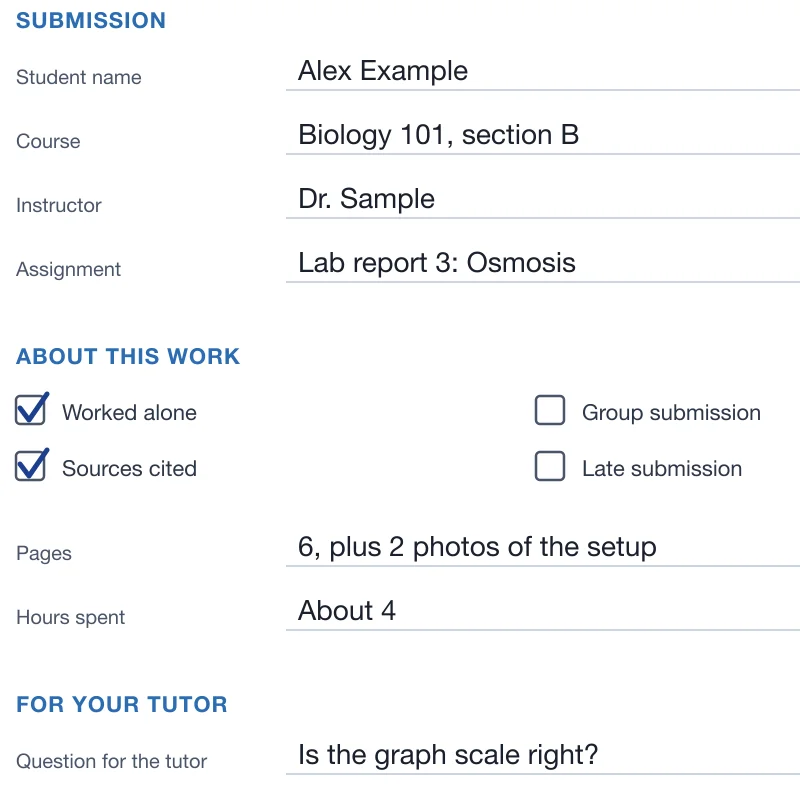
Text found with OCR 
Watermark added Captions - PDFcover-sheet.pdfJPGcover-sheet.jpg
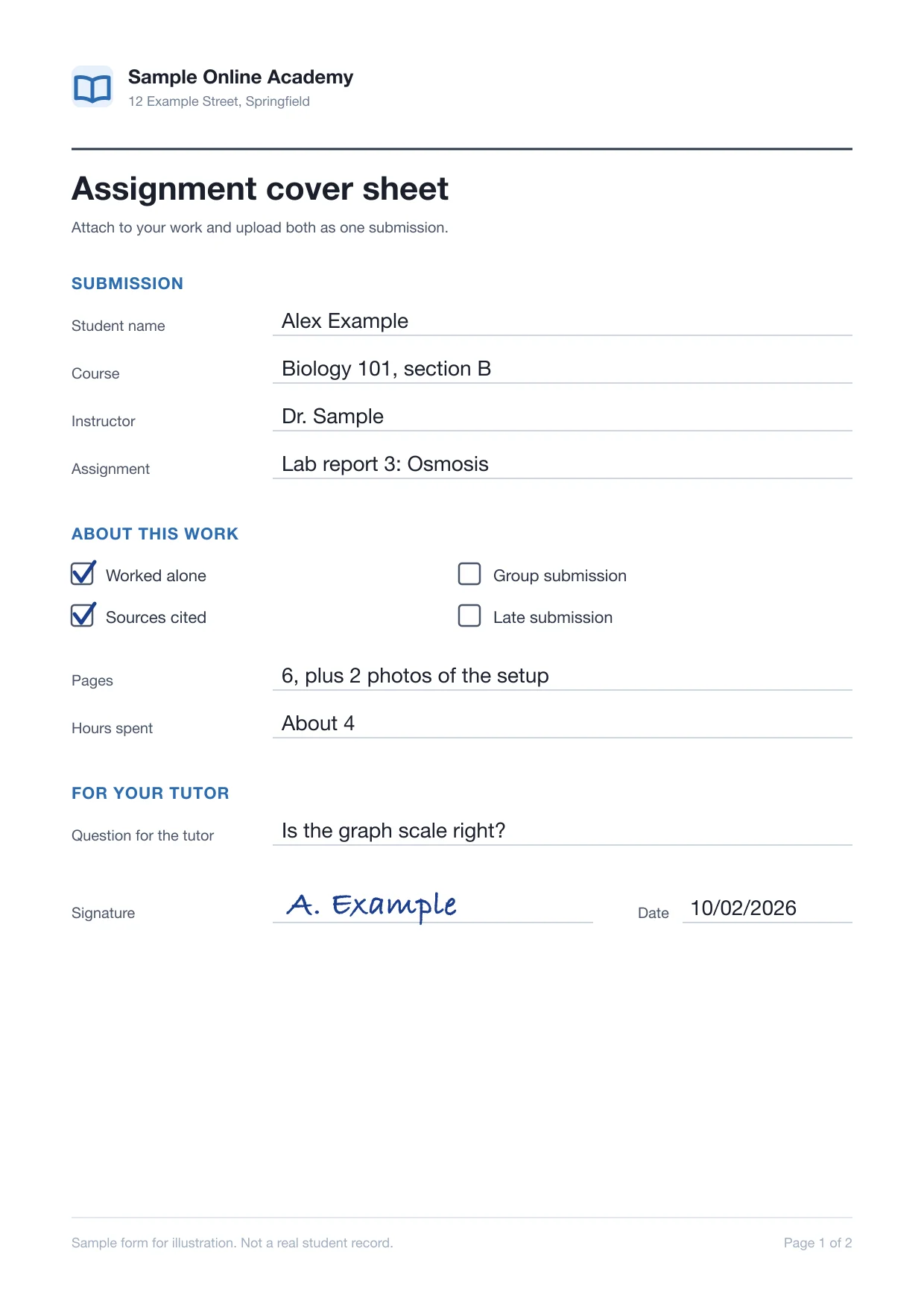
Converted to PDF  quiz-answers.docxMalware detected
Scanned for viruses Lecture ready to stream
Trusted since 2009 by
the world’s most ambitious platforms.







From the lecture hall
to the course page
Encode every lecture for streaming, check every student and instructor upload, and send each upload through the processing it needs.
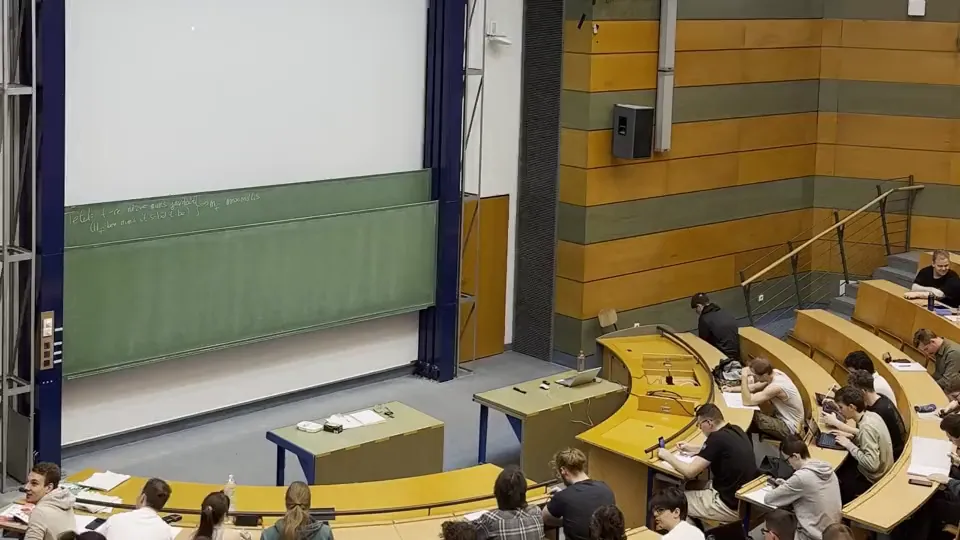
Lectures on the course page the same day
Every recorded lecture is encoded to an adaptive HLS ladder with a poster frame the moment it lands, so it plays on a phone or a campus connection.
Every submission checked first
Virus-scan submissions and course files and refuse unaccepted types before an instructor opens them.
 week3-lecture.mp4lab-report-3.docxquiz-answers.docx
 slides-week3.pptx
 cover-sheet.jpgessay-final.docx
 reading-pack.pdf
Each upload gets the processing it needs
Lectures, slide decks, submissions, and audio tasks are routed by file type and course, each through the processing it needs.
- File
- week3-lecture.mp4
- Source
- Instructor
- Routed through
- /video/encode
- /video/adaptive
- File
- week4-lecture.mp4
- Source
- Instructor
- Routed through
- /speech/transcribe
- /video/subtitle
- File
- slides-week3.pptx
- Source
- Instructor
- Routed through
- /document/convert
- /document/thumbs
- File
- lab-report-3.docx
- Source
- Student
- Routed through
- /file/virusscan
- /document/convert
- File
- cover-sheet.jpg
- Source
- Student
- Routed through
- /document/convert
- /document/ocr
- File
 presentation-video.mov
- Source
- Student
- Routed through
- /file/virusscan
- /video/encode
- File
 group-project.zip
- Source
- Student group
- Routed through
- /file/decompress
- /file/virusscan
- File
- pronunciation-task.mov
- Source
- Student
- Routed through
- /audio/encode
- /speech/transcribe
- File
- module-intro.mp4
- Source
- Course team
- Routed through
- /speech/transcribe
- /text/translate
- File
- reading-pack.pdf
- Source
- Library
- Routed through
- /document/ocr
- /text/speak
- File
- course-trailer.mp4
- Source
- Marketing
- Routed through
- /video/encode
- /video/thumbs
- File
- office-hours-rec.mp4
- Source
- Teaching assistant
- Routed through
- /video/encode
- /speech/transcribe
What students and teachers see
The pipeline stays out of sight. What people on your platform see is lectures that start fast, draft captions from day one, and coursework that opens where it is graded.
Lectures start without a spinner
Each lecture becomes an HLS or MPEG-DASH stream that steps down instead of stalling on weak Wi-Fi.
Coursework opens where it is graded
Word, Excel, and PowerPoint submissions become PDFs, so instructors mark them in your grading view.
lab-report-3.docxlab-report-3.pdfConverting to PDF…Converted from WordTwo-hour lectures upload once
Resumable uploads of up to 200 GB per file, depending on plan, pick up where they left off when campus Wi-Fi drops.
 week3-lecture.mp42.4 GBUploading part 1 of 8
Draft captions on every lesson
Speech becomes caption files your player loads, for students on mute or with a hearing impairment.
Water moves toward the higher concentration.So which side of the membrane fills up?Pause here and sketch it before we go on.Sound off

Having a solution for both uploading and transcoding has been a godsend for the current scale that we are at five years after first choosing Transloadit.What can Transloadit help with?
Six workflows that learning-management, course, and video-learning platforms run on Transloadit instead of building them. Each one is a Robot, or a recipe of them, already in our library.
Lecture streaming
Encode each lecture into the HLS or MPEG-DASH renditions your player needs, with a poster frame, from one upload.
Captions, transcripts, and translations
Transcribe lectures into captions and searchable text, translate them, or burn captions into the picture.
Course files that preview
Convert slide decks, handouts, and readings to PDF with page thumbnails, so they open on any device.
Submissions checked on arrival
Virus-scan every submission, unpack group ZIPs, and refuse file types your platform does not accept.
Scanned work made searchable
Turn photographed worksheets upright and extract their text, so scanned work shows up in search.
Audio for language and listening
Encode spoken assignments for any browser, transcribe them, and turn course text into read-aloud audio.
You keep the learning platform.
We run the media pipeline.
Transloadit is the processing layer, not a replacement for your LMS, your player, or your grading tools. Here is exactly where the line sits, so nobody discovers it during integration.
What stays with your platform
- 01Courses, enrollment, and who can watch or download what
- 02Grades, feedback, and academic integrity decisions
- 03Student records and how long you keep them
- 04Your accessibility policy and caption review before publishing
What Transloadit handles
- 01Uploads from instructors and students, and imports from your buckets
- 02Encoding, caption, document, and audio steps, scaled and kept patched
- 03Job status and retried notifications to your back end
- 04Exports to your storage, and Smart CDN delivery when enabled
Ship courses, not transcoding infrastructure
Lectures, slides, and submissions share one integration, so new formats need no new service.
Stuck queues, crashed workers, and codec upgrades are ours. Lectures encode in parallel.
ISO 27001 and SOC 2 Type II, a DPA, signed uploads, and processing in the US, EU, or Asia Pacific.
Workers scale for term starts, launches, and deadlines. Work beyond your plan’s job slots queues instead of failing.
Files export to your own S3, GCS, Azure, or R2. Temporary copies are purged after 24 hours by default.
Maintained SDKs for Node.js, Python, Go, and more, and workflows you version like code.
Questions from learning platform teams
The answers we would give on an evaluation call, including the cases where another tool is the better choice.
Is Transloadit an LMS or a video player?
No. Transloadit is the processing layer between the files instructors and students upload and the storage your platform reads from. Courses, enrollment, and your player stay where they are.
Are automatic captions enough for accessibility requirements?
Not on their own. Transcription is strong on clear speech and weaker on technical terms, accents, and crosstalk. Treat captions as a first draft an instructor or editor checks before publishing; Transloadit does not certify accessibility compliance. See how transcription works
Does Transloadit detect plagiarism or AI-written work?
No. Transloadit converts, scans, and extracts text from submissions, and your platform or an integrity tool decides what that text means.
Which streaming formats can we deliver?
Adaptive HLS, MPEG-DASH, and CMAF, with the renditions and segment lengths you configure, plus MP4 files for downloads and offline viewing. See how adaptive streaming works
Does Transloadit work for FERPA-covered student data?
Transloadit acts as a processor, not a records system: we sign a Data Processing Addendum, process files only to run your workflows, and process them in the region you choose. FERPA obligations, consent, and who sees which record stay with your platform and the institution.
What happens when a semester start or a deadline spikes the volume?
Workers autoscale with demand, so there is nothing to provision ahead of a peak. Your plan’s Priority Job Slots set how many jobs run at once; additional work queues instead of failing, and you can reserve extra slots ahead of a planned peak.
How do we keep paid courses from being shared?
Sign each upload request on your back end with an expiry, keep lectures in storage you control behind signed URLs, and add a visible watermark to preview copies. Access control stays with your platform, and Transloadit does not apply DRM. Read about Signature Authentication
Does Transloadit keep copies of our lectures?
Only briefly. Temporary processing copies are deleted after 24 hours by default, and you can turn off temporary result storage per workflow. Job status, which includes file names, is kept for 90 days by default. Originals and results are exported to the storage you configure, and retention and deletion happen in your own systems.
Lectures in. Course-ready media out.
Run one lecture and one week of submissions through your first workflow, and see the stream, captions, and previews land in your own storage.