

The document pipeline behind financial platforms
Applications, statements, and client recordings, virus-scanned, searchable, and processed in your region.
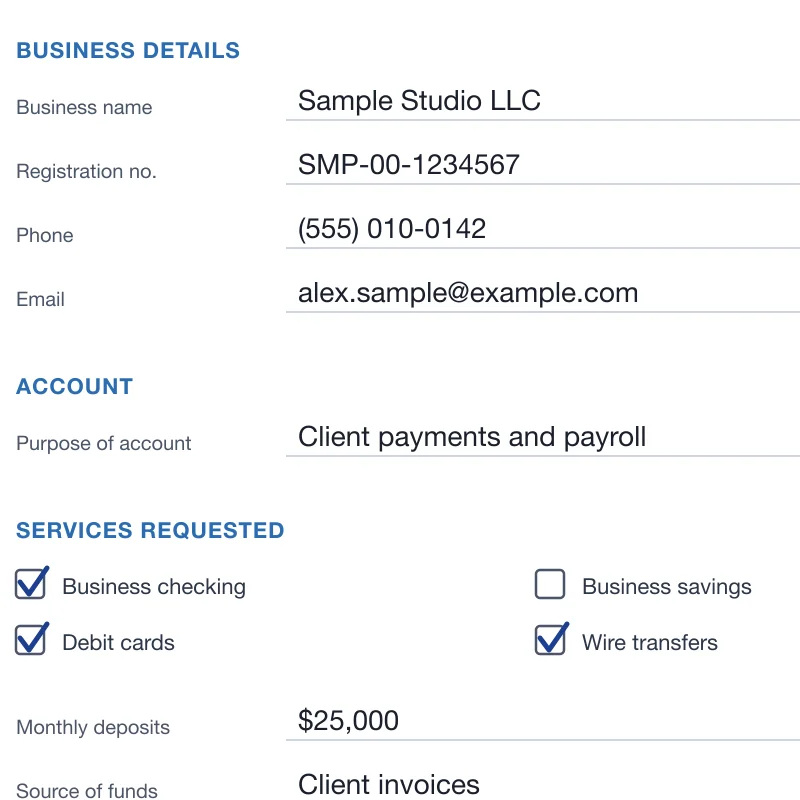
Text found with OCR 
Advisor avatar 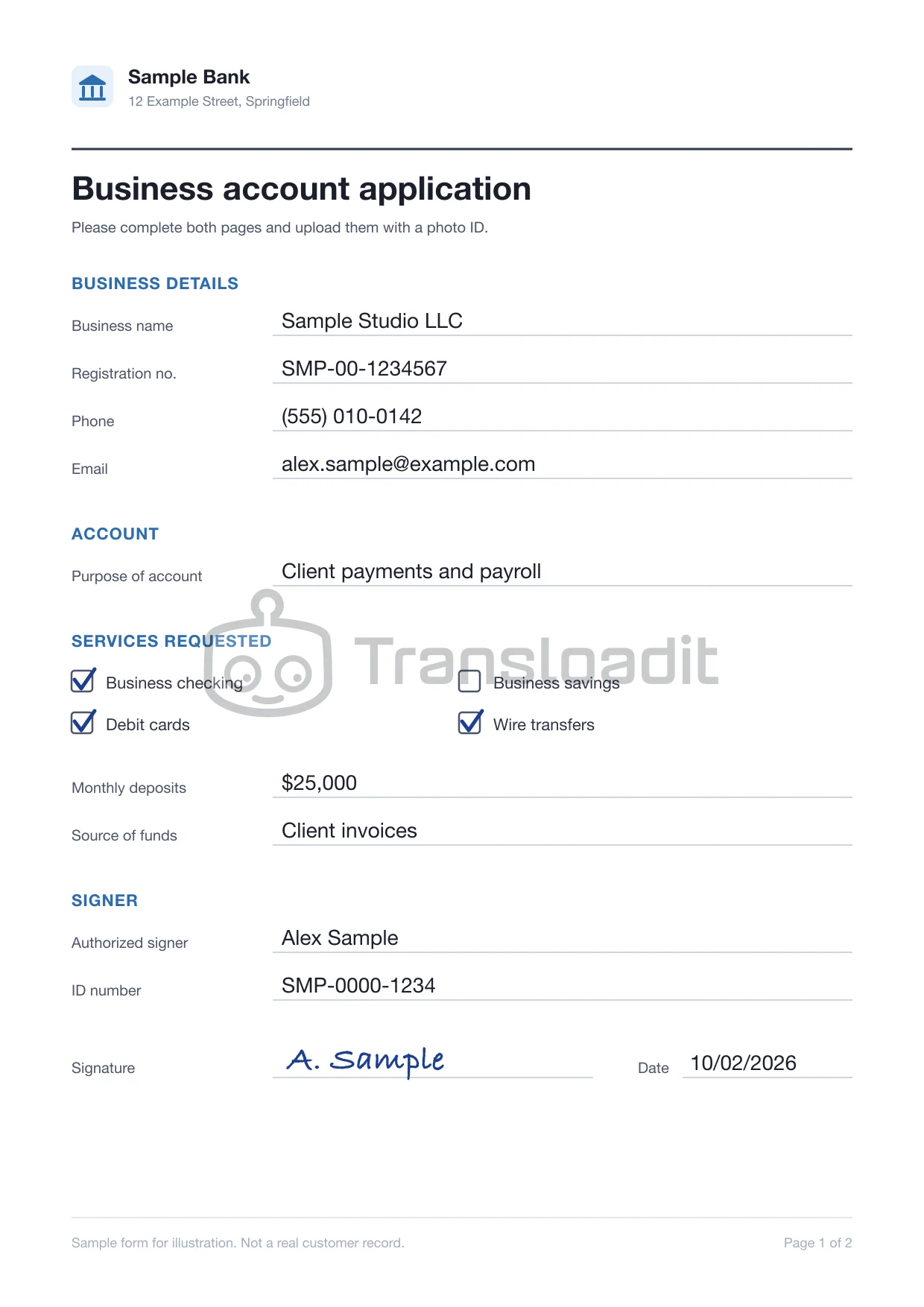
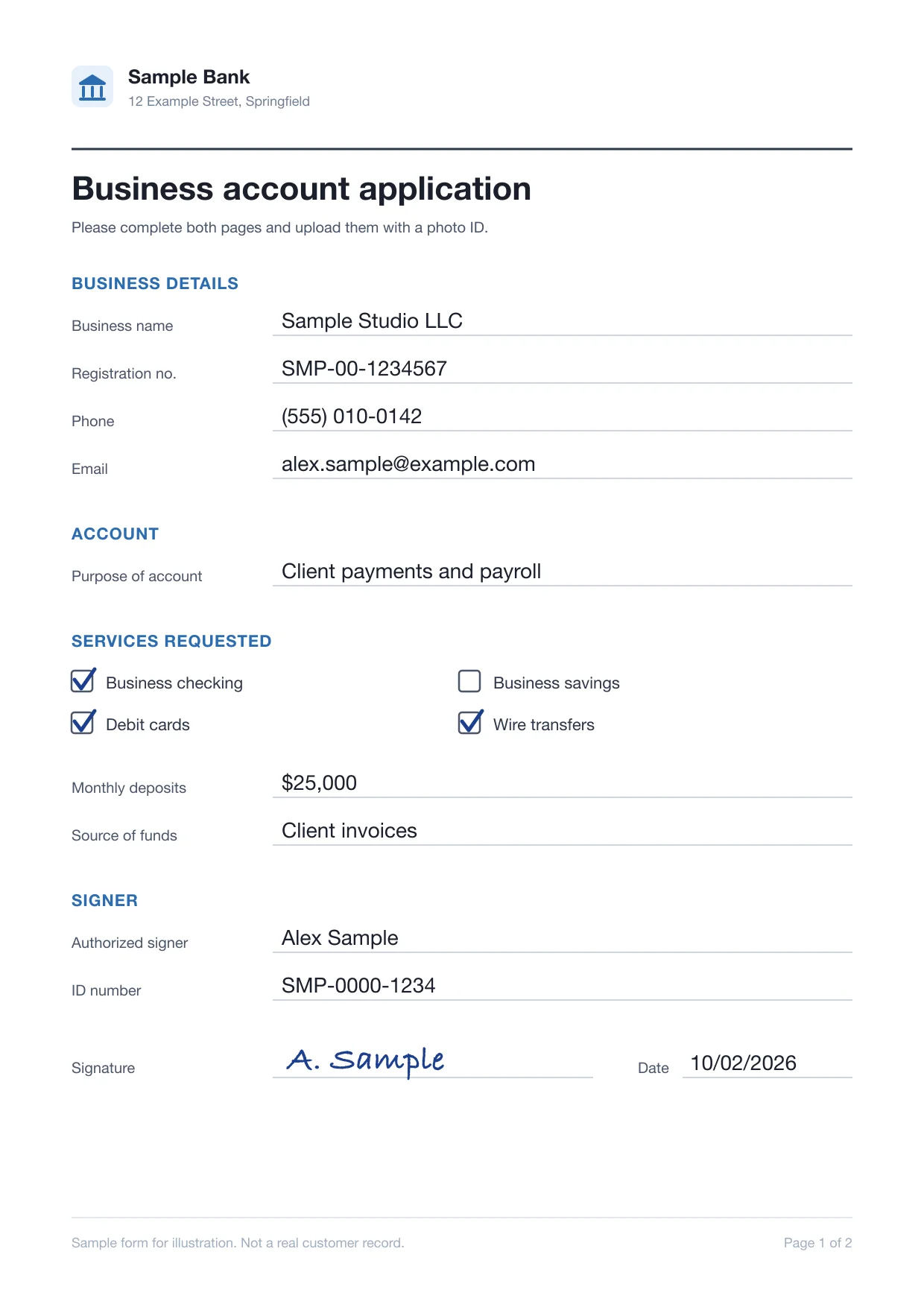
Watermarked copy - PDFaccount-application.pdfJPGaccount-application.jpg
Converted to PDF  bank-statements.zipMalware detected
Scanned for viruses Video ready to stream
Trusted since 2009 by
the world’s most ambitious platforms.










One pipeline for every customer document
Check every customer upload, read scanned paperwork, and route statements, IDs, and invoices through reusable processing Templates.
Recorded client meetings, ready to replay
Encode advisor meetings and onboarding walkthroughs for adaptive HLS playback, with poster frames from the same upload.
Every customer upload checked first
Virus-scan every file and refuse the types your onboarding flow does not accept, before anything reaches a reviewer.
 bank-statement.pdf
 passport-scan.jpginvoice-0413.zippayslip.pdf
 pitch-deck.pptxproof-of-address.jpgreceipt-photo.jpg
Each file type gets the processing it needs
Applications, statements, receipts, and ID scans are routed by file type and source, each through the processing it needs.
- File
- account-application.pdf
- Source
- Customer app
- Routed through
- /document/autorotate
- /document/ocr
- File
- passport-scan.jpg
- Source
- Customer app
- Routed through
- /image/resize
- /image/optimize
- File
- bank-statement.pdf
- Source
- Customer app
- Routed through
- /file/virusscan
- /document/thumbs
- File
- receipt-photo.jpg
- Source
- Expense app
- Routed through
- /image/resize
- /image/ocr
- File
- invoice-0412.pdf
- Source
- Accounts payable inbox
- Routed through
- /document/ocr
- /s3/store
- File
 loan-agreement.docx
- Source
- Lending team
- Routed through
- /document/convert
- /s3/store
- File
 advisor-meeting.mp4
- Source
- Advisor
- Routed through
- /video/encode
- /video/adaptive
- File
- statements.zip
- Source
- Accountant portal
- Routed through
- /file/decompress
- /file/virusscan
- File
- payslip.pdf
- Source
- Customer app
- Routed through
- /document/optimize
- /s3/store
- File
- quarterly-report.docx
- Source
- Investor relations
- Routed through
- /document/convert
- /document/thumbs
- File
- tax-return.pdf
- Source
- Customer app
- Routed through
- /document/thumbs
- File
- earnings-call.mp4
- Source
- Investor relations
- Routed through
- /speech/transcribe
- /video/subtitle
What customers and reviewers notice
The pipeline stays out of sight. What your users see is paperwork they can search, statements that open in place, uploads that finish on the first try, and meetings with a transcript.
Scanned applications show up in search
Scanned forms are turned upright and their printed text read by OCR, so your search finds an application by what it says.
Statements open without a download
Word, Excel, and PowerPoint files become PDFs with thumbnails, so reviewers read them in your app.
account-application.docxaccount-application.pdfConverting to PDF…Converted from WordStatement archives arrive on the first try
Resumable uploads of up to 200 GB per file, depending on plan, pick up where they left off after a dropped connection.
 statements-2025.zip3.8 GBUploading part 1 of 8
Advisor meetings arrive with a draft transcript
Recorded calls play beside a draft transcript, so compliance reviews what was said without rewatching.
- So the savings stay in a separate account?
- Yes, and you can see both balances here.
- I’ll send the summary after our call.

Using Transloadit saves development and maintenance. Being able to focus on our product instead of reinventing the wheel cannot be understated.What can Transloadit help with?
Six workflows fintech and financial platforms build on Transloadit. Each one is a Robot, or a recipe of them, already in our library.
Resumable customer uploads
Resumable uploads for customers sending statements, ID scans, and payslips from their phone, even when the connection drops halfway.
Scanned paperwork, as text
Extract the text from scanned applications, statements, and invoices, ready for your systems to index and your team to review.
Previews for every document
Turn statements, contracts, and tax forms into preview images, so a reviewer can check a file without downloading it.
Receipt and ID photos, upright
Convert HEIC photos from customers’ phones, fix rotation, and strip location metadata before a photo reaches your review queue.
Every file checked first
Virus-scan every upload and refuse the file types your onboarding flow does not accept, before anything reaches your storage.
Office files, converted to PDF
Convert Word and spreadsheet uploads to PDF, so every document in an application opens the same way for your reviewers.
You keep the accounts.
We run the document pipeline.
Transloadit is the processing layer, not a replacement for your core banking system, identity verification provider, or case management tools. Here is exactly where the line sits, so nobody discovers it during integration.
What stays with your financial platform
- 01Customer accounts, identity checks, and who can open each file
- 02Review of extracted text and every decision made from it
- 03Which documents belong to which application or account
- 04Long-term retention and deletion of your exported files
What Transloadit handles
- 01File upload or import and server-side processing execution
- 02Image, document, video, metadata, and export steps
- 03Structured Assembly status and retryable notifications
- 04Processing in the region you pin each job to
Ship financial features, not OCR servers
Statements, scanned forms, and phone photos share one integration, so a new document type needs no new service.
Stuck queues, crashed workers, and library upgrades are ours. Files process in parallel.
ISO 27001 and SOC 2 Type II, a DPA, signed uploads, and processing in the US, EU, or Asia Pacific.
Workers scale for month-end and tax season. Work beyond your plan’s job slots queues instead of failing.
Files export to your own S3, GCS, Azure, or R2. Temporary copies are purged after 24 hours by default.
Maintained SDKs for Node.js, Python, Go, and more, and workflows you version like code.
Questions from fintech teams
The answers we would give on an evaluation call, including the cases where another tool is the better choice.
Can we process sensitive financial documents with Transloadit?
Review your data requirements and the proposed workflow with our team before any sensitive files are sent, and evaluate with nonsensitive sample documents until then. File processing alone does not make your platform compliant with financial regulations; those controls stay with you.
Can we send payment card data?
No. Uploading files to Transloadit does not authorize payment card data processing. Keep card numbers with your PCI DSS-compliant payment provider and out of the documents you send for processing.
Can we choose where files are processed?
Yes. Pin each job to a US, EU, or Asia Pacific processing region, and export results to storage in the region you choose. Read how regional processing works
How are customer documents protected?
Our API supports HTTPS to encrypt data in transit, and sensitive data at rest is encrypted with AES-256. Temporary processing copies are deleted automatically after 24 hours, Assembly Status JSON is kept for 90 days unless you shorten it, and export Steps send originals and outputs to storage you own. Read the security overview
How do we make sure only our customers can upload?
Sign every upload request on your backend with an expiry, so only the parameters you approved can run. Filter Steps reject files by type, size, or duration before processing, and virus scanning stops malware before a file reaches your storage. Read about Signature Authentication
What happens at month-end and during tax season?
Workers autoscale with demand, so there is nothing to provision ahead of a peak. Your plan’s Priority Job Slots set how many jobs run at once; additional work queues instead of failing, and you can reserve extra slots ahead of a planned peak.
Does Transloadit approve or reject applications?
No. Transloadit returns OCR text as Assembly results. Your platform decides where it goes, and we recommend human review of anything an onboarding, credit, or payment decision depends on.
Is Transloadit an identity verification or document management system?
Neither. Transloadit is the processing layer between your uploads and your storage. Identity verification, fraud checks, case management, and access control stay in your platform and the providers you already use.
Financial documents, on one API.
Run nonsensitive sample documents through your first pipeline, and export the previews, text, and formats your review team needs to your own storage.