

The file pipeline behind public-sector software
Permits, attachments, and meetings, virus-scanned, searchable, and processed in the region you choose.
Text found with OCR 
Watermark added Captions - PDFpermit-scan.pdfJPGpermit-scan.jpg
Converted to PDF  site-plan.pdfMalware detected
Scanned for viruses Meeting ready to stream
Trusted since 2009 by
the world’s most ambitious platforms.










From the public counter
to the public record
Encode every public meeting for streaming, check every resident upload, and send each submission through the processing it needs.
Public meetings online the same day
Every meeting recording is encoded to an adaptive HLS ladder with a poster frame the moment it lands, so residents can watch it that evening.
Every resident upload checked first
Virus-scan every attachment and refuse unaccepted file types before a member of staff opens it.
 permit-scan.jpgsite-plan.pdf
 proof-of-address.png
 council-0312.mp4
 business-license.docxproof-of-income.pdfpothole-report.jpg
Each submission gets the processing it needs
Applications, attachments, recordings, and records requests are routed by file type and case, each through the processing it needs.
- File
- permit-scan.jpg
- Source
- Resident
- Routed through
- /document/convert
- /document/ocr
- File
- site-plan.pdf
- Source
- Contractor
- Routed through
- /file/virusscan
- /document/thumbs
- File
- business-license.docx
- Source
- Resident
- Routed through
- /document/convert
- /file/hash
- File
- pothole-report.jpg
- Source
- 311 app
- Routed through
- /image/resize
- /image/optimize
- File
- council-0312.mp4
- Source
- Clerk’s office
- Routed through
- /video/encode
- /video/adaptive
- File
 planning-hearing.mov
- Source
- Clerk’s office
- Routed through
- /speech/transcribe
- /video/subtitle
- File
- hearing-recording.mp4
- Source
- Clerk’s office
- Routed through
- /speech/transcribe
- /text/translate
- File
 records-request-112.zip
- Source
- Records request
- Routed through
- /file/decompress
- /file/virusscan
- File
- archive-1987-minutes.pdf
- Source
- Archive
- Routed through
- /document/ocr
- /file/hash
- File
- noise-complaint.mov
- Source
- Resident
- Routed through
- /video/encode
- /speech/transcribe
- File
- inspection-photo.jpg
- Source
- Inspector
- Routed through
- /image/resize
- /file/hash
- File
- zoning-map.pdf
- Source
- Planning
- Routed through
- /document/split
- /document/thumbs
What residents and staff notice
The pipeline stays out of sight. What people see is paper applications staff can search, attachments that open in place, and public meetings anyone can follow.
Paper applications show up in search
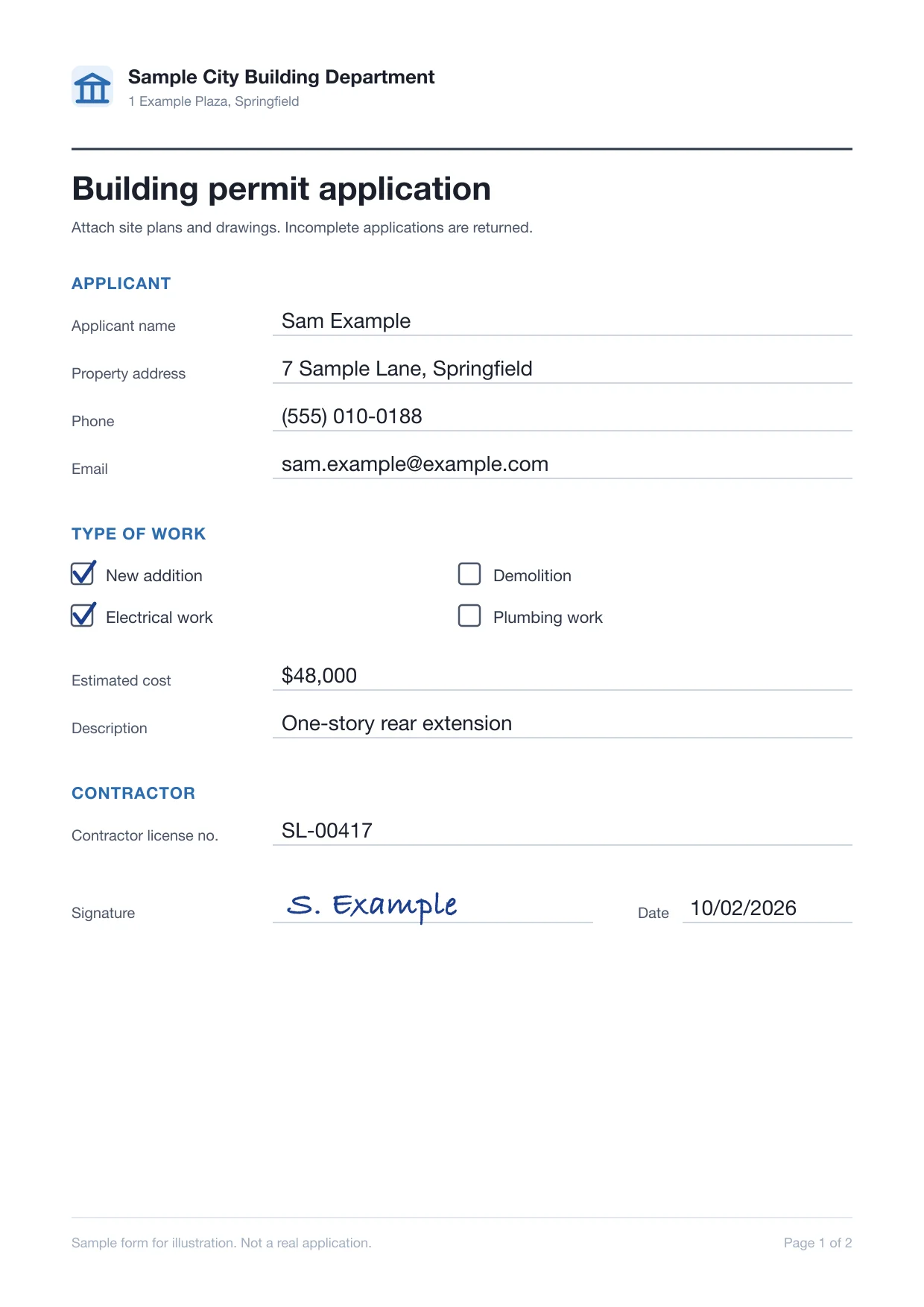
Scanned forms are turned upright and read by OCR, so staff find an application by what it says.
Attachments open without a download
Word, Excel, and PowerPoint attachments become PDFs, so caseworkers read them in your platform.
permit-0417.docxpermit-0417.pdfConverting to PDF…Converted from WordDraft captions on every public meeting
Speech becomes caption files your player loads, for residents on mute or with a hearing impairment.
Thank you all for coming in this morning.The new library hours start in January.Written comments are open until Friday.Sound offMinutes start from a searchable transcript
Each recording comes with a draft transcript, so the clerk writes minutes without replaying the video.
- This plan adds two new bus routes to the east side.
- It was shaped by more than four hundred resident comments.
- I ask the council to approve it as written.

I'm not usually one for fanboy-ism but Transloadit is one service I would recommend without hesitation. Their product and customer support is outstanding.What can Transloadit help with?
Six workflows that permitting, records, and resident-service platforms run on Transloadit instead of building them. Each one is a Robot, or a recipe of them, already in our library.
Resident uploads checked first
Virus-scan every attachment, unpack ZIP files, and refuse the file types your service does not accept.
Paper forms made searchable
Turn sideways scans and phone photos upright and extract their text, so paper forms show up in your search.
Attachments as PDFs with previews
Convert Word, Excel, and image attachments to PDF with page thumbnails, so every case file opens alike.
Meeting video, captioned
Encode council meetings for streaming, transcribe them into captions, and capture stills for the agenda.
Transcripts in more languages
Machine-translate meeting transcripts as drafts staff review, and turn notices into read-aloud audio.
A checksum for every record
Record a SHA-256 hash of every original and output, so you can show a record has not changed.
You keep the public service.
We run the file pipeline.
Transloadit is the processing layer, not a replacement for your case management, records system, or meeting software. Here is exactly where the line sits, so nobody discovers it during procurement.
What stays with your platform
- 01Cases, decisions, and approvals
- 02Resident identity, accounts, and who sees which record
- 03Redaction, and what is released as a public record
- 04Retention schedules, legal holds, and archiving
What Transloadit handles
- 01Uploads from residents and staff, and imports from your buckets
- 02Scanning, OCR, conversion, and video steps, scaled and kept patched
- 03Job status and retried notifications to your back end
- 04Exports to your storage, and Smart CDN delivery when enabled
Ship public services, not file infrastructure
Forms, attachments, and meetings share one integration, so a new service needs no new vendor.
Stuck queues, crashed workers, and scanner updates are ours. Files process in parallel.
ISO 27001 and SOC 2 Type II, a DPA, signed uploads, and processing in the US, EU, or Asia Pacific.
Workers scale for filing deadlines and records requests. Work beyond your plan’s job slots queues instead of failing.
Files export to your own S3, GCS, Azure, or R2. Temporary copies are purged after 24 hours by default.
Maintained SDKs for Node.js, Python, Go, and more, and workflows you version like code.
Questions from govtech teams
The answers we would give on an evaluation call, including the cases where another tool is the better choice.
Is Transloadit a records management or case management system?
No. Transloadit is the processing layer between the files residents and staff upload and the storage your platform reads from. Cases, records, and retention stay in your product.
Is Transloadit FedRAMP authorized?
No. Transloadit holds ISO 27001 and SOC 2 Type II, signs a Data Processing Addendum, and processes in the region you choose. If a contract requires FedRAMP or StateRAMP, Transloadit is not the right fit for that workload today.
Does Transloadit redact personal information?
No. Transloadit extracts text and converts documents; deciding what is personal, and redacting it before release, stays with your platform and your staff.
Can we choose where files are processed?
Yes. Pin each job to a US, EU, or Asia Pacific processing region, and export results to storage in the region you choose. Read how regional processing works
Are automatic captions enough for accessibility requirements?
Not on their own. Transcription is strong on clear speech and weaker on names, crosstalk, and poor room audio. Treat captions as a first draft the clerk checks before publishing, whether you answer to ADA Title II, Section 508, or local rules; Transloadit does not certify accessibility compliance. See how transcription works
How do we keep resident uploads safe?
Every attachment can be virus-scanned and filtered by type before staff open it. Sign each upload request on your back end with an expiry and require signatures in your workspace, so unsigned or altered requests are rejected. Read about Signature Authentication
What happens when a filing deadline or a records request spikes the volume?
Capacity scales with demand, so there is nothing to provision for a permit-renewal deadline or a large archive digitization. Your plan’s job slots set how much runs at once; extra work queues instead of failing, and you can reserve capacity before a planned peak.
Does Transloadit keep copies of resident files?
Only briefly. Temporary processing copies are deleted after 24 hours by default, and you can turn off temporary result storage per workflow. Job status, which includes file names, is kept for 90 days by default. Originals and results are exported to the storage you configure, and retention and deletion happen in your own systems.
Resident uploads in. Record-ready files out.
Run a batch of nonsensitive sample forms and one meeting recording through your first workflow, and see the results land in your own storage.