


Generate stunning images from text using AI

We've just welcomed an exciting new addition to our fleet of Robots : the 🤖 /image/generate Robot. This Robot transforms text prompts into visually striking images powered by cutting-edge AI. With this Robot, you can enhance your file processing pipeline to instantly produce customized visuals for any project, unlocking limitless creative potential without needing design expertise or complex software applications.
AI image generation has quickly become an essential tool across many industries. E-commerce platforms can create consistent product visualizations without expensive photo shoots, allowing marketing teams to rapidly produce custom visuals for campaigns, social media posts, and advertisements. It also makes it possible for content creators to illustrate articles, blog posts, and educational materials with precisely tailored images. And game developers and digital artists can quickly prototype concepts and generate inspiration for new designs. In other words, the possibilities appear endless.
By simply providing a text prompt that describes your desired image, the 🤖 /image/generate Robot leverages state-of-the-art AI to transform your words into pixels. This dramatically speeds up creative workflows, while reducing costs associated with traditional image production.
Using the 🤖/image/generate Robot
Creating images with the 🤖 /image/generate Robot is straightforward. You only need to provide a text prompt and select an AI model, and the Robot takes care of the rest. For example, you might want to generate an image of "a serene landscape with mountains and a lake at sunset".
Here's a simple Template that demonstrates how to use this Robot in combination with Transloadit's image processing services:
{
  "steps": {
    "generated_image": {
      "robot": "/image/generate",
      "prompt": "A serene landscape with mountains and a lake at sunset",
      "model": "flux-1.1-pro-ultra",
      "aspect_ratio": "16:9"
    },
    "resized_image": {
      "use": "generated_image",
      "robot": "/image/resize",
      "height": 1000
    },
    "optimized_image": {
      "use": "resized_image",
      "robot": "/image/optimize"
    },
    "export": {
      "use": "optimized_image",
      "robot": "/s3/store",
      "credentials": "YOUR_AWS_CREDENTIALS",
      "path": "my_target_folder/${unique_prefix}/${file.url_name}"
    }
  }
}
In this Template, we use the 🤖 /image/generate Robot to create an image based on our text prompt. We then resize the image to our desired dimensions with the 🤖 /image/resize Robot and optimize it using the 🤖 /image/optimize Robot, before finally storing it with the 🤖 /s3/store Robot. The resizing and optimization Steps are optional, but showcase Transloadit's powerful composability – you can chain multiple processing Steps together to create a complete workflow. If an input needs more resolution before processing, try the same composable approach in our live AI image upscaler.
Of course, you can replace the storage Step with any of our other file exporting Robots, which support Google Cloud Storage, Azure Blob Storage, and Digital Ocean Spaces, among others.
Here's an example of the optimized output of the above Template:
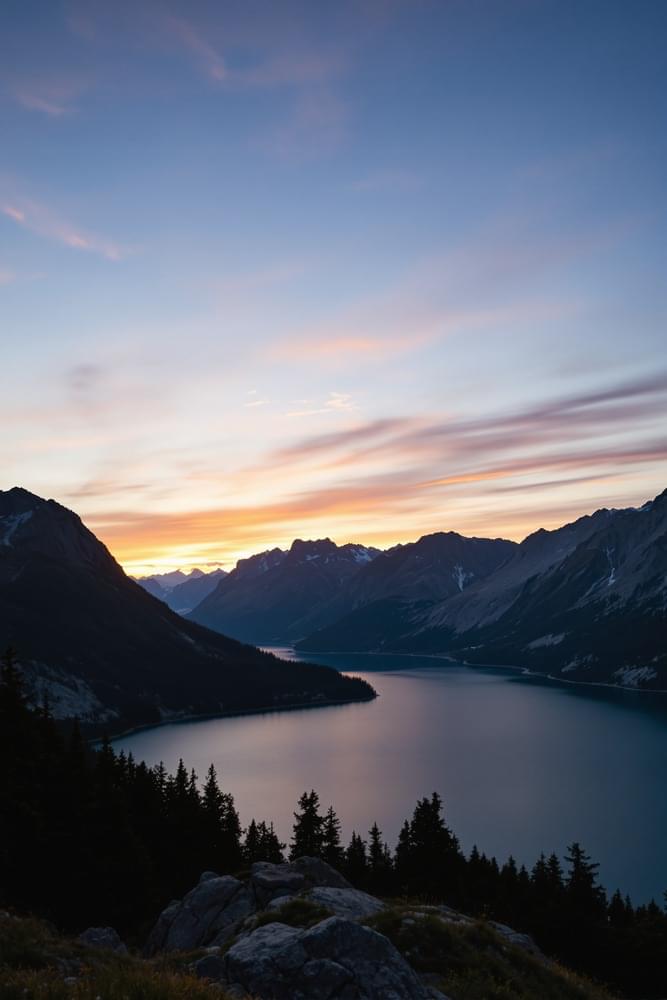
Seems like a pretty wonderful place! ⛰️
Vector illustrations
The 🤖 /image/generate Robot can also create vector illustrations as SVGs, which offers significant advantages over raster formats like PNG and JPEG. Vector graphics remain crisp and clear at any size without pixelation, are typically smaller in file size, and can be easily edited in vector editing software. This makes them ideal for logos, icons, diagrams, and illustrations that may need to be displayed at various sizes.
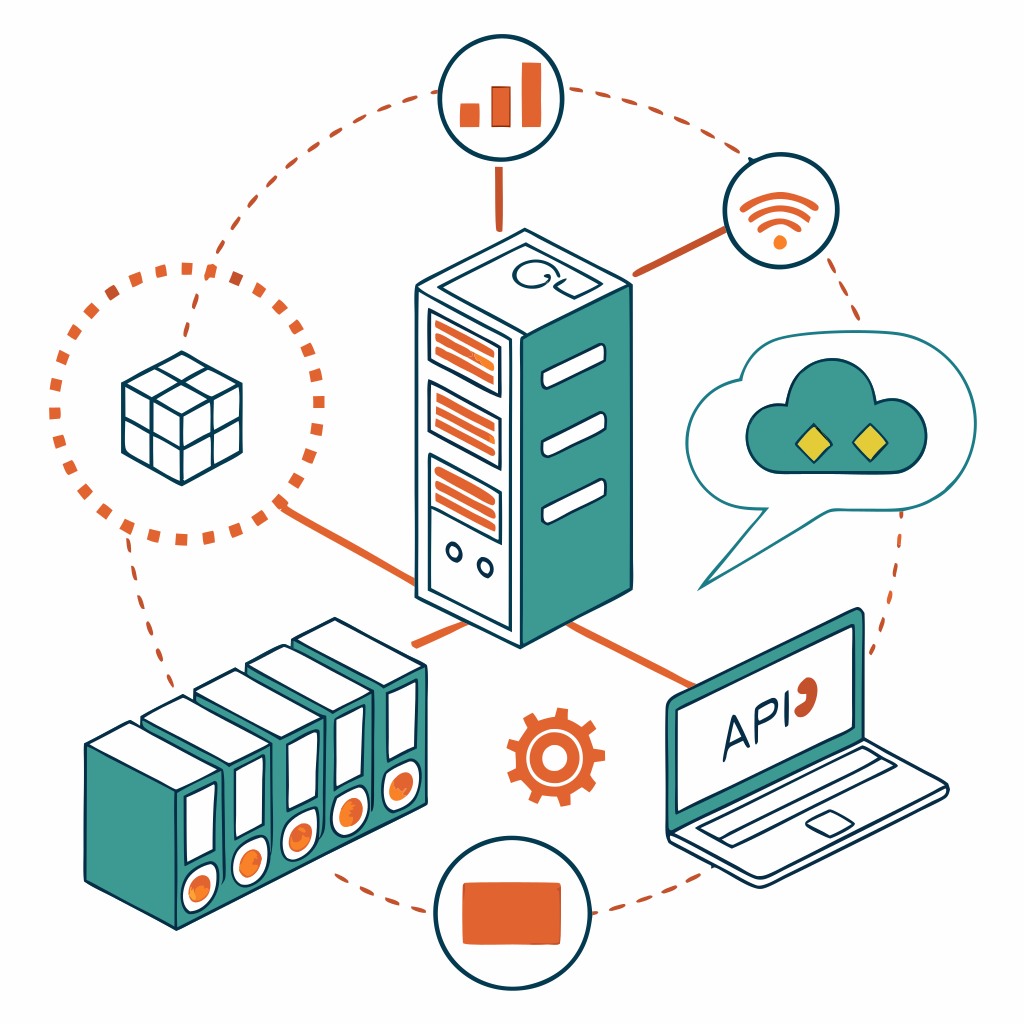
The following Template demonstrates how to generate and optimize a vector illustration, using the Recraft V3 model:
{
  "steps": {
    "generated_image": {
      "robot": "/image/generate",
      "prompt": "A vector illustration of modern web application stack",
      "model": "recraft-v3",
      "format": "svg"
    },
    "optimized_image": {
      "use": "generated_image",
      "robot": "/image/optimize"
    }
  }
}
Here's an example of the optimized output of the above Template:
Crafting effective prompts
The quality of the generated image largely depends on how well you craft your text prompt. Here are some tips for creating effective prompts:
- Be specific and detailed: instead of "a cat", try "a fluffy orange tabby cat sitting on a windowsill with sunlight streaming through sheer curtains".
- Include style information: specify artistic styles, lighting conditions, or camera perspectives. For example, "in the style of Monet" or "with dramatic side lighting", or "wide-angle shot".
- Experiment with variations: try different wording, add or remove details, and adjust your prompt based on the results you get.
Advanced options
The 🤖 /image/generate Robot offers several parameters to customize your generated images:
- model: choose from various AI models, each with different strengths and capabilities.
- seed: use a specific seed value for reproducible results.
- aspect_ratio and height/width: define the shape of your image. Depending on the model, exact dimensions or only the aspect ratios can be specified.
A complete list of parameters and detailed explanations are available in the documentation.
Supported models
The 🤖 /image/generate Robot supports a variety of cutting-edge AI image generation models. We continuously evaluate and integrate the latest models to provide you with the best options for your specific needs.
Each model has different capabilities with regard to output formats, dimensions, and style options. Some models excel at photorealistic imagery, while others might be better for artistic or illustrative content.
For the most up-to-date information on currently supported models and their specific capabilities, please refer to the documentation.
Try it yourself
Want to see the 🤖 /image/generate Robot in action? Check out our interactive demo, which allows you to customize the prompt and see the results instantly.
Pricing
This Robot leverages top-tier AI technologies behind the scenes. In order to make this happen, we partner with multiple providers and can continually pick the best-performing and most cost-effective option.
The price you pay reflects the actual usage fees of these AI services, plus a margin that allows us to maintain and evolve these transformations at scale. As time goes by, pricing will only go down as we find cost optimizations – all the while removing the complexity of managing different AI providers yourself.
The cost depends on the selected model and can be found in the documentation.
Conclusion
With the 🤖 /image/generate Robot, you can automatically generate custom images from text descriptions with just a few lines of JSON. This powerful tool leverages advanced AI technology to save you time and resources, while unlocking new creative possibilities for your projects.
For a comprehensive look at everything available to you with this Robot, including detailed information about supported models and pricing, check out its documentation.