


Transloadit MCP Server: agent-native uploads and processing

Agents are already good at working with text. File pipelines are where things tend to fall apart. What people actually want is simpler: "take this video and turn it into HLS", "make web-ready image variants", "OCR this PDF and give me structured text", "generate thumbnails", "export everything to S3".
Those are all things Transloadit is already good at. The MCP server is how you hand that toolbox to an agent, so it can run real media workflows from natural language.
Today, we're shipping the Transloadit MCP Server, an MCP integration that lets agents upload files, create Assemblies, discover Templates, and fetch results from Transloadit.
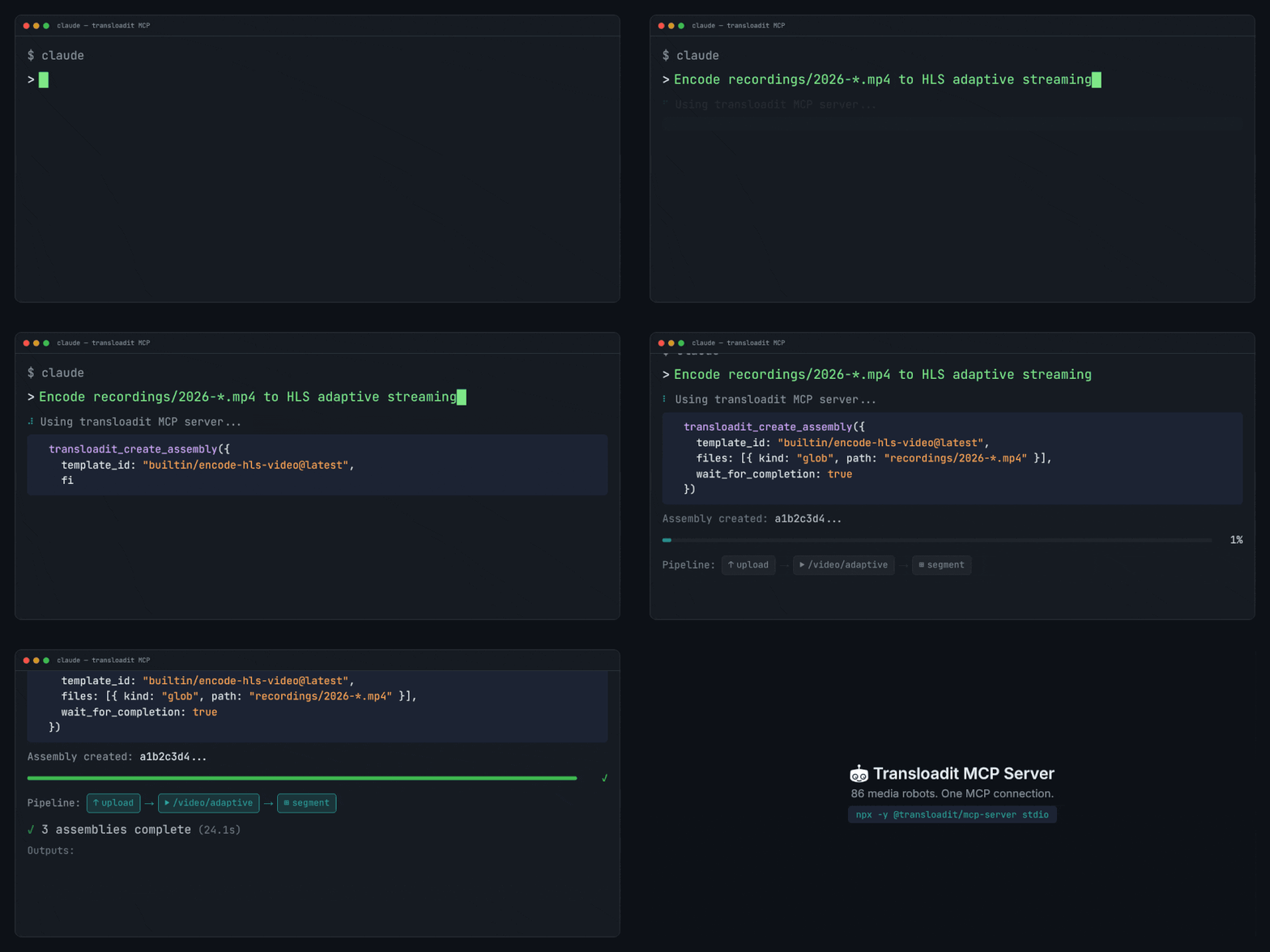
If you're building agent workflows in Claude Code, Gemini CLI, OpenAI Codex, or Cursor, the Transloadit MCP Server gives the model a small, predictable tool surface. In practice that means fewer invented endpoints, shorter prompts, and workflows that actually run end to end.
What you can do with the Transloadit MCP Server
- Upload local files and resume large uploads with tus.
- Create Assemblies with full instructions and follow results.
- List and use Templates (including built-in ones).
- Validate and lint Assembly Instructions before running your Assemblies.
MCP vs. skills/CLI
MCP is best for embedded runtime use: long-lived or autonomous agent pipelines where Transloadit runs repeatedly (uploads, assemblies, polling, results).
Skills/CLI are best for human-directed, one-off jobs: setting up integrations, generating Templates, scaffolding code, or running a single processing task locally with full repo/tool access.
These are guidelines, though, not hard rules. Some systems (for example OpenClaw) can work beautifully with skills, and MCP can also be great for interactive, human-in-the-loop flows. The right choice depends on your environment and preferences. We'll keep supporting both.
Quick start (agents)
For a local (self-hosted) setup, add the MCP server to your agent client. The client starts the
server automatically via npx -y @transloadit/mcp-server stdio. Configure TRANSLOADIT_KEY with
your Transloadit Auth Key and TRANSLOADIT_SECRET with your Auth Secret in the server’s environment
for tools that access your account. Robot documentation tools work without these credentials.
See the setup instructions for Claude, Codex, Gemini, and Cursor in the MCP Server README.
To connect to the hosted MCP endpoint (https://api2.transloadit.com/mcp), follow
Connect Transloadit to ChatGPT, Claude, and Codex
for client setup and browser sign-in.
For headless hosted access, use your Transloadit Auth Key and Auth Secret with
npx -y @transloadit/node auth token --aud mcp to generate a Bearer token, then send it in the
Authorization: Bearer <token> header. The response’s expires_in value gives the token’s lifetime
in seconds.
Local vs hosted
- Local (self-hosted) MCP works with local file paths.
- Hosted MCP accepts public URLs, ChatGPT attachments, or sandbox uploads using an upload slot
that returns a ready-to-run
curlcommand over tus. See how to get files to Transloadit.
What's next
We also shipped Transloadit Agent Skills. These are version-controlled playbooks that teach agents repeatable media workflows. MCP provides agents with tools; skills teach them how to use those tools well. The two complement each other.
Next up is more polish around uploads, linting, and Template discovery. We will also expand the MCP tool surface based on what people actually build. If you are building an agent flow and want something exposed or improved, let us know.